EasyManua.ls Logo

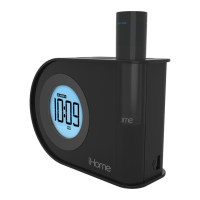
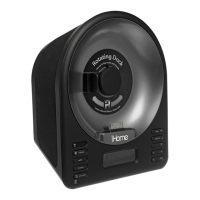
iHome IA63 - User Manual

iHome IA63
14 pages
Print Icon
To Next Page IconTo Next Page
Loading...
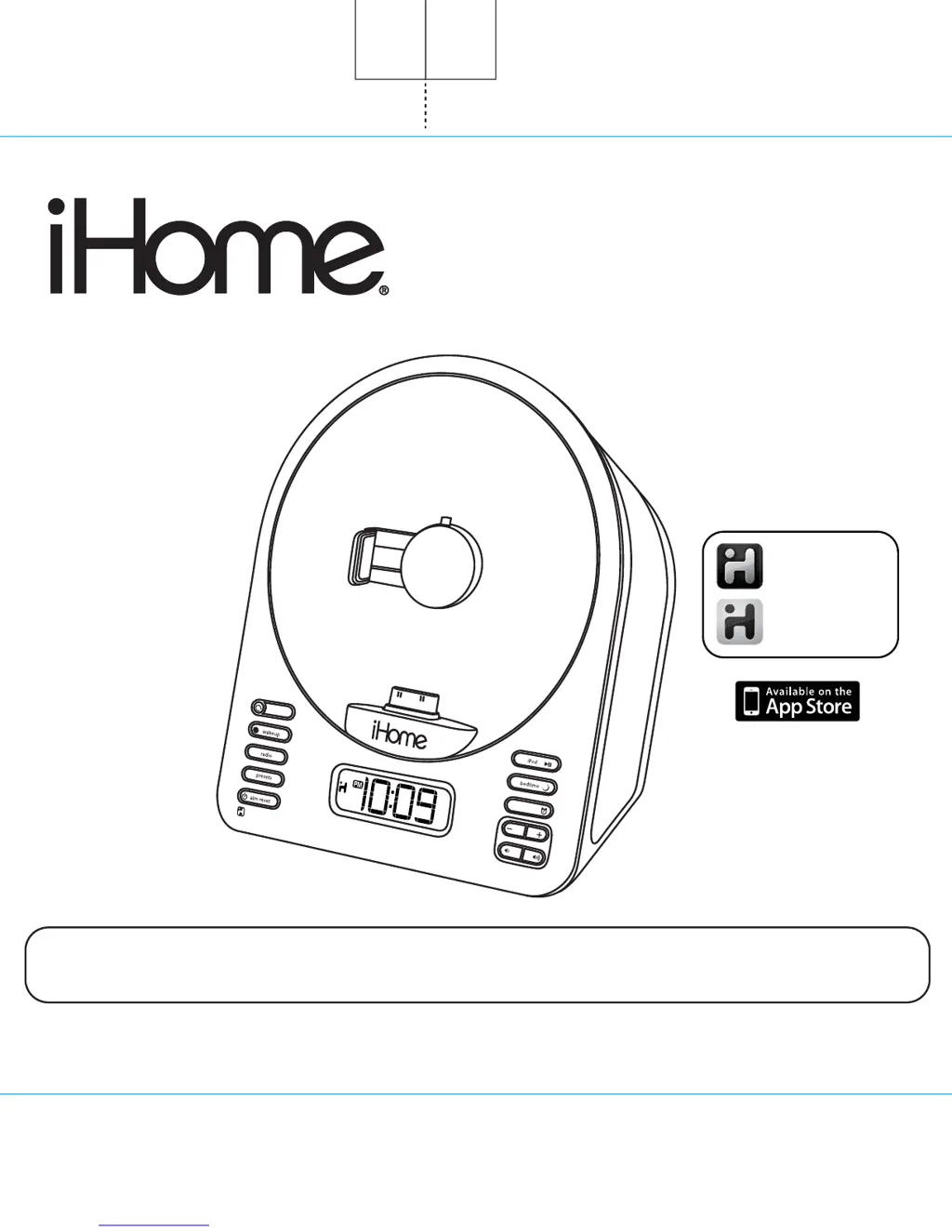
Model iA63
Stereo Alarm Clock Radio with
Motorized Rotating Dock
For Your iPhone or iPod
Questions? For latest instructions, visit www.ihomeintl.com/support
iA63 IB UK
Size: 178 x 178 mm (16 pages)
Printing color: Black
Mat’l: 100gsm book paper
Jan 21, 2011
iHome + Sleep
works with
iHome + Radio
alarm clock app
internet radio app
Note: iHome+Sleep and iHome+Radio apps are not covered in detail in this booklet. To learn more about how
these apps can enhance your experience, please download the free iHome+Sleep app from the App Store and
review the Start Guide.
Cover
@2011xx

Questions and Answers

  • M
    Michael HunterAug 15, 2025
    What to do if my iPhone/iPod isn’t charging on my iHome Alarm Clock?
    • R
      Richard JonesAug 16, 2025
      If your iPhone/iPod isn't charging when docked in your iHome Alarm Clock, the following could be the reason: * Your iPhone/iPod may not be properly connected. Remove your iPhone/iPod from the dock, inspect the connectors for any obstructions, and then firmly reseat it. * Your iPhone/iPod might be frozen or locked up. Ensure your iPhone/iPod is working correctly before docking it into the unit. Please refer to your iPhone/iPod manual for details.
  • S
    susangreeneAug 18, 2025
    What to do if my iHome Alarm Clock iA63 doesn’t respond?
    • G
      Gerald RobinsonAug 19, 2025
      If your iHome Alarm Clock iA63 is plugged in but not responding, it may require a reset or the iPhone/iPod is not docked properly. Follow these steps to reset the unit: 1. Remove the iPhone/iPod from the dock. 2. Unplug the unit from the power source. 3. Remove the backup batteries. 4. Wait a few minutes, and then resume use. Also, remove your iPhone/iPod from the dock and check for any obstructions on the connectors, then reseat it. Make sure the stabilizer is properly positioned, especially when rotating the dock to landscape mode.
  • M
    Maurice HubbardAug 21, 2025
    Why is the alarm not working on my iHome Alarm Clock?
    • S
      Sarah BeckAug 21, 2025
      If the alarm on your iHome Alarm Clock isn't working, there are a couple of things to check: * Ensure the AM/PM time is set correctly for both the current time and the alarm time. Pay attention to the PM indicator when setting the clock or alarm. * Make sure the alarm is armed. Look for the alarm icon on the display; if it's not there, press the alarm button to activate it.
  • P
    pspencerAug 25, 2025
    Why didn't the time sync work on my iHome IA63?
    • S
      stevensbrianAug 26, 2025
      Time sync may not work on your iHome Alarm Clock if you are using older iPod models like the iPod mini, as they do not support the time sync function. Ensure you are using an iPhone or a newer iPod such as a touch, nano, or classic. If time sync is still unavailable, set the time manually.
  • A
    annettesandersAug 28, 2025
    Why is my iPhone/iPod not responding to my iHome IA63, or why is there no sound?
    • H
      Heather GonzalesAug 28, 2025
      There could be several reasons why your iPhone/iPod isn't responding or has no sound when docked to your iHome Alarm Clock: * The iPhone/iPod may not be docked properly. Remove it, check for obstructions on the connectors, and reseat it. * The iPhone/iPod software might be outdated. Upgrade it via iTunes. * The iPhone/iPod might be locked up. Ensure it's working correctly before docking, and check the volume setting. You may need to reset your iPhone/iPod. * If you are using a 1st or 2nd generation iPod, iPod Shuffle or other devices, the iHome iA63 cannot control those iPod models or other devices.
  • K
    kristen30Aug 30, 2025
    Why is the sound distorted on my iHome IA63?
    • B
      bruce75Aug 31, 2025
      Sound distortion from your iHome Alarm Clock can occur due to several reasons: * The volume level may be too high. Try decreasing the volume. * The sound source itself might be distorted. If using an iPhone/iPod, try a file from a trusted source like iTunes. If you are using an external sound source like older generation of iPod or iPod shuffle, try reducing the output volume on the device itself. * EQ settings may be too high. Lower the EQ settings on your iPhone/iPod. Also try turning bass boost OFF in your iPod settings.
  • C
    Christopher HarrisSep 2, 2025
    Why is the 'Battery Low' icon always flashing on my iHome IA63?
    • T
      timothynortonSep 2, 2025
      If the 'Battery Low' icon is constantly flashing on your iHome Alarm Clock, it indicates that the battery is weak and needs to be replaced with a new one. Alternatively, the battery may not be installed correctly. Check to ensure the polarity (+ and – ends) matches the diagram in the battery compartment (+ side up).
  • S
    Steven HoltSep 5, 2025
    Why is the performance of my iHome IA63 Alarm Clock / iPhone / iPod erratic?
    • S
      Samantha WilliamsSep 5, 2025
      Erratic performance of your iHome Alarm Clock or connected devices could be due to external interference. Try moving the unit away from potential sources of interference such as computers, modems, wireless devices (routers), or fluorescent lights.
  • V
    vschmidtSep 8, 2025
    Why does my iHome IA63 Alarm Clock unit/adaptor get warm after playing at high volume?
    • A
      allisontateSep 8, 2025
      It is normal for the iHome Alarm Clock unit or adapter to get warm after extended play at high volume. If this occurs, turn the unit off for a while or lower the volume.
  • S
    Sarah JordanSep 12, 2025
    How to adjust snooze time on iHome Alarm Clock?
    • A
      Adam MillerSep 12, 2025
      To adjust the snooze time on your iHome Alarm Clock, press and hold the Snooze button, then press the + or - button to set your desired snooze duration.

iHome IA63 Specifications

General IconGeneral
Product NameiHome IA63
CategoryAlarm Clock
Display TypeLCD
BluetoothYes
Clock RadioYes
RadioYes
FM RadioYes
AM RadioYes
Presets6 FM, 6 AM
Dual AlarmYes
Wake to Radio or BuzzerYes
Snooze FunctionYes
Auxiliary InputYes
USB Charging PortYes
Power SourceAC Adapter
Battery BackupYes
FeaturesDual alarms

Related product manuals