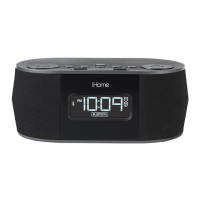
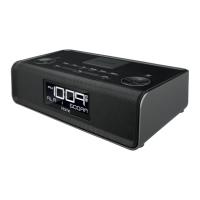
Playing Audio Via Bluetooth
1. Press the Button to turn the unit ON.
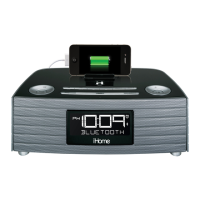
2. Press and release the Mode Button as needed until “BLUETOOTH” and the icon appear on the
display.
3. Press the Play/Pause/Presets Button on the unit to play audio from your linked Bluetooth
device. Press again to paue play and once again to resume.
4. Press the
– or + Button
to go to the previous or next track.
5. Press the or Buttons to adjust the volume on the unit.
6. When done listening, press the Button to turn the unit off.
Using the Speakerphone feature
NOTE: The unit must be powered on and linked to a Bluetooth phone to receive a call.
1. When a call is received, playing music is muted to hear the ring tone. “Call” will flash on the
display.
Press the Talk Button to answer the call; press the End Button to ignore the call. For call
waiting function, press the Talk Button to place a currently active call on hold and answer a
new call; press the Talk/End Button to switch between the calls.
2. When a call is completed, press the End Button to end the call and resume previous function.
12
Using the iBT280


 To Next Page