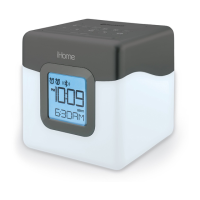
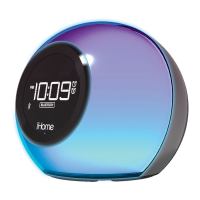
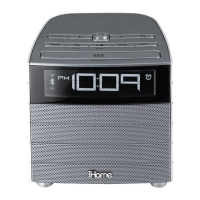
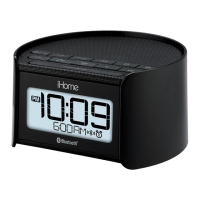
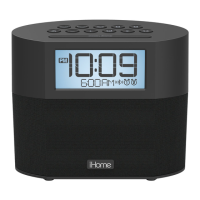
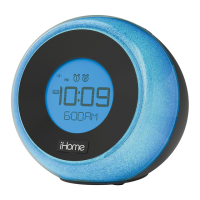
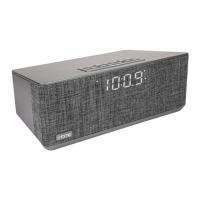
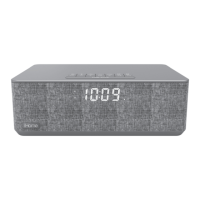
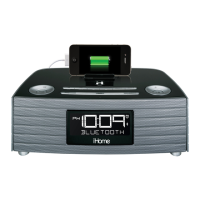
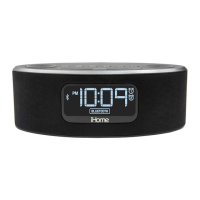
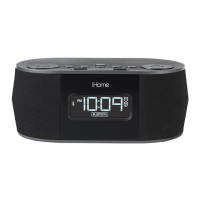
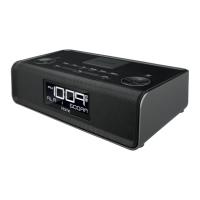
iBT280
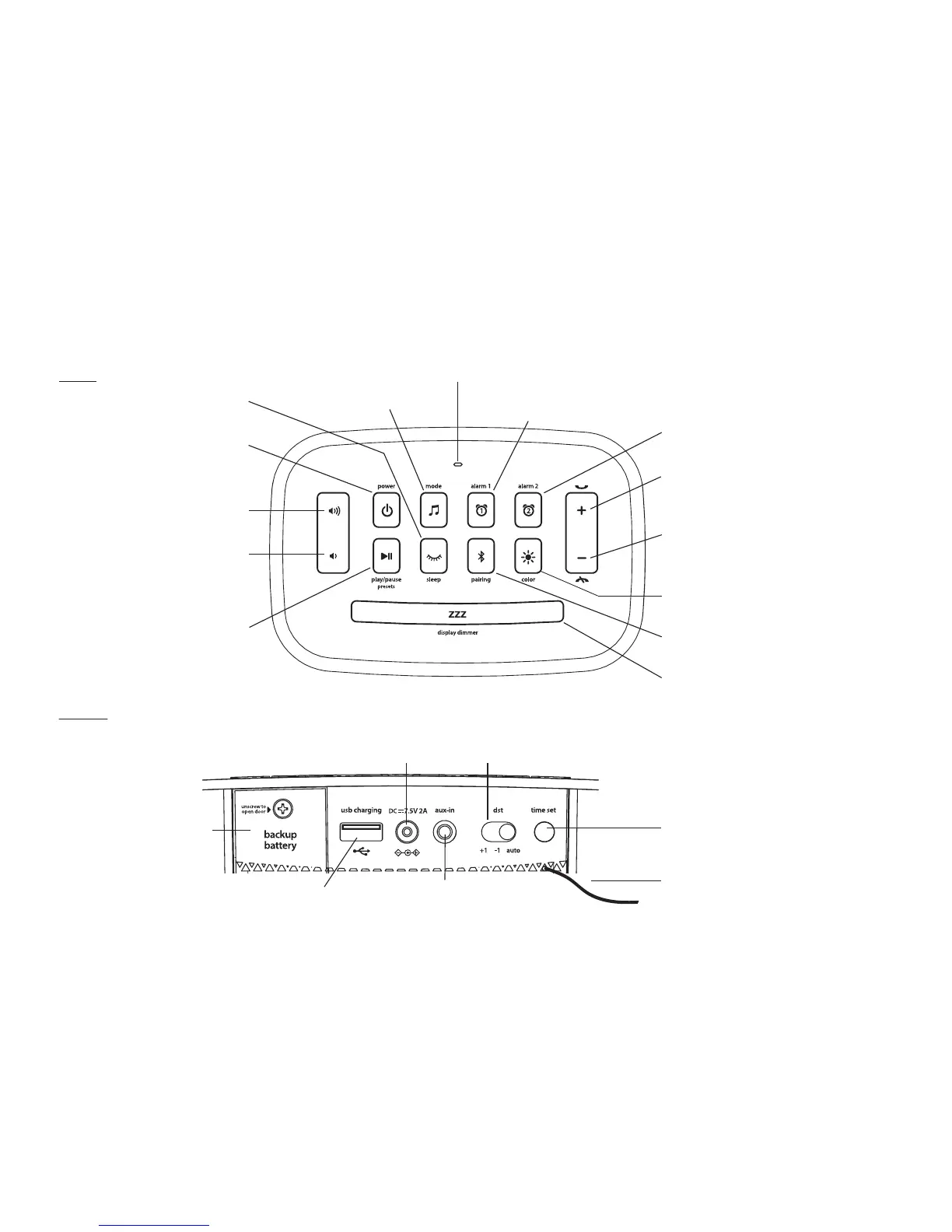
Meet Your iBT280
Top
4
Back
Bluetooth Pairing Button
Backup Battery
Compartment
Remove pull tab
USB charging port
Plug in USB cable
to charge device
Aux-in jack
Connect included audio cable
here and to audio device
headphone/aux-out jack
Time Set Button
Daylight Saving Time Switch
Press and hold for
time setting
FM radio antenna
Extend antenna for best reception
(do not strip, alter or attach
to other antennas)
Mode Button
Microphone
Play/Pause and Presets Button
Set and select FM radio presets
Answer Call and
Forward/ Plus Settings Button
Press to raise selected setting
End Call and
Reverse/Minus Settings Button
Press to lower selected setting
Snooze/Dimmer Button
Press to silence alarm for selected time
Press to adjust brightness during standard
operation (not during alarm mode)
Power/Alarm Reset Button
Press to turn unit ON or OFF,
reset alarm when sounding
Raise Volume Button
Raise volume
Lower Volume Button
Lower volume
Set and arm/disarm Alarm 2
Alarm 2 Button
Set and arm/disarm Alarm 1
Alarm 1 Button
Press to cycle color settings
Color Button
DC Adapter Jack
Plug in AC adaptor cable and
connect to outlet
Press to set sleep duration
Press to set select mode
Sleep Mode Button
Press and hold to pair with a device


 To Next Page