quick start
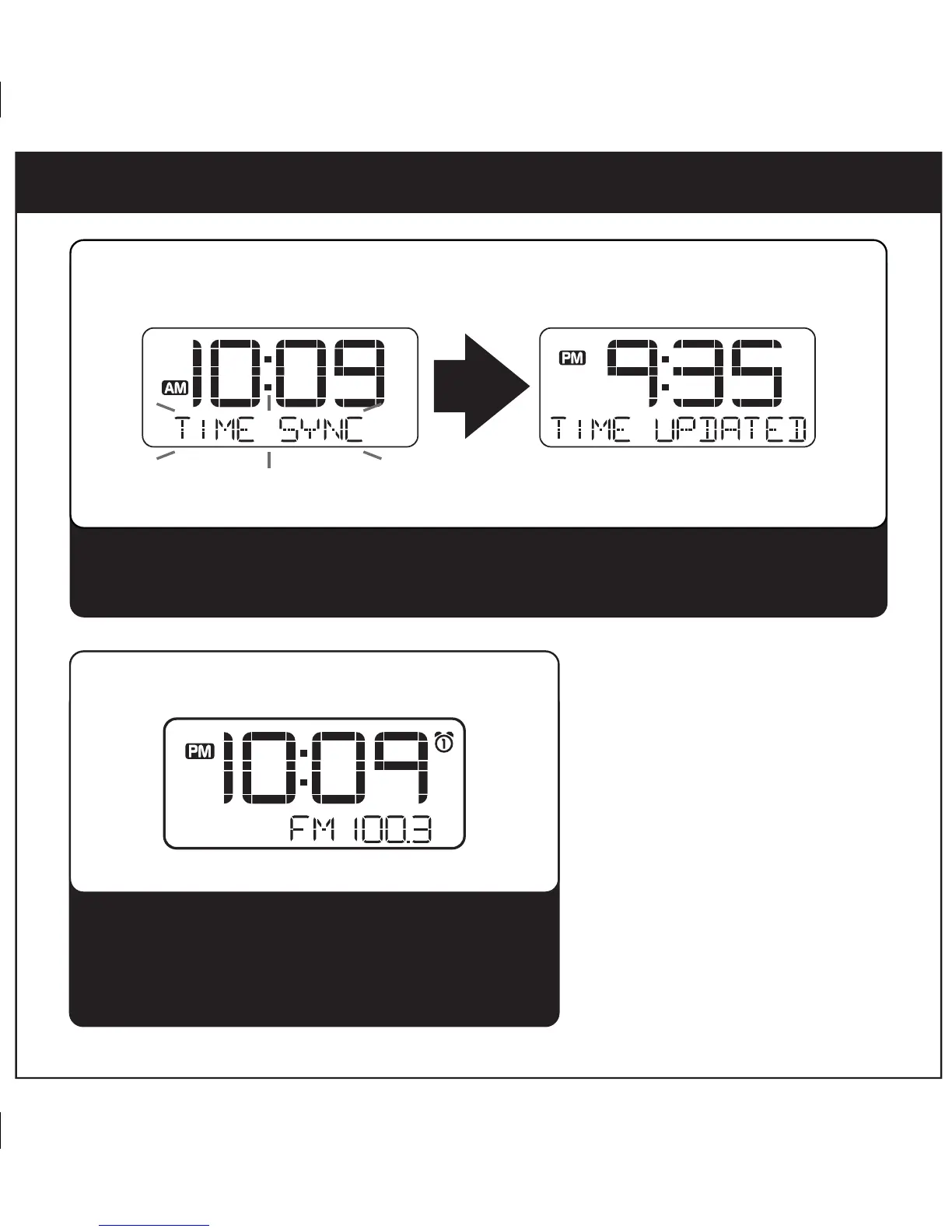
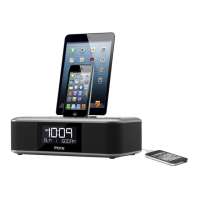
Dock your iPad, iPhone or iPod (see step 3). Press and release the Time Sync Button located
on back of the unit. “TIME SYNC” will appear on the display, followed by “TIME UPDATED”
upon successful syncing.
3
3: time sync
Press the Mode Button as needed to select FM band.
Press the + or - Button to tune in a station.
See page 7 for programming presets.
4: radio
P5



 To Next Page