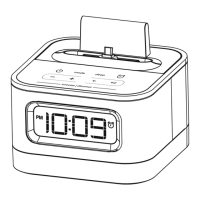
Using the iP46
Charging & Playing iPhone and iPod
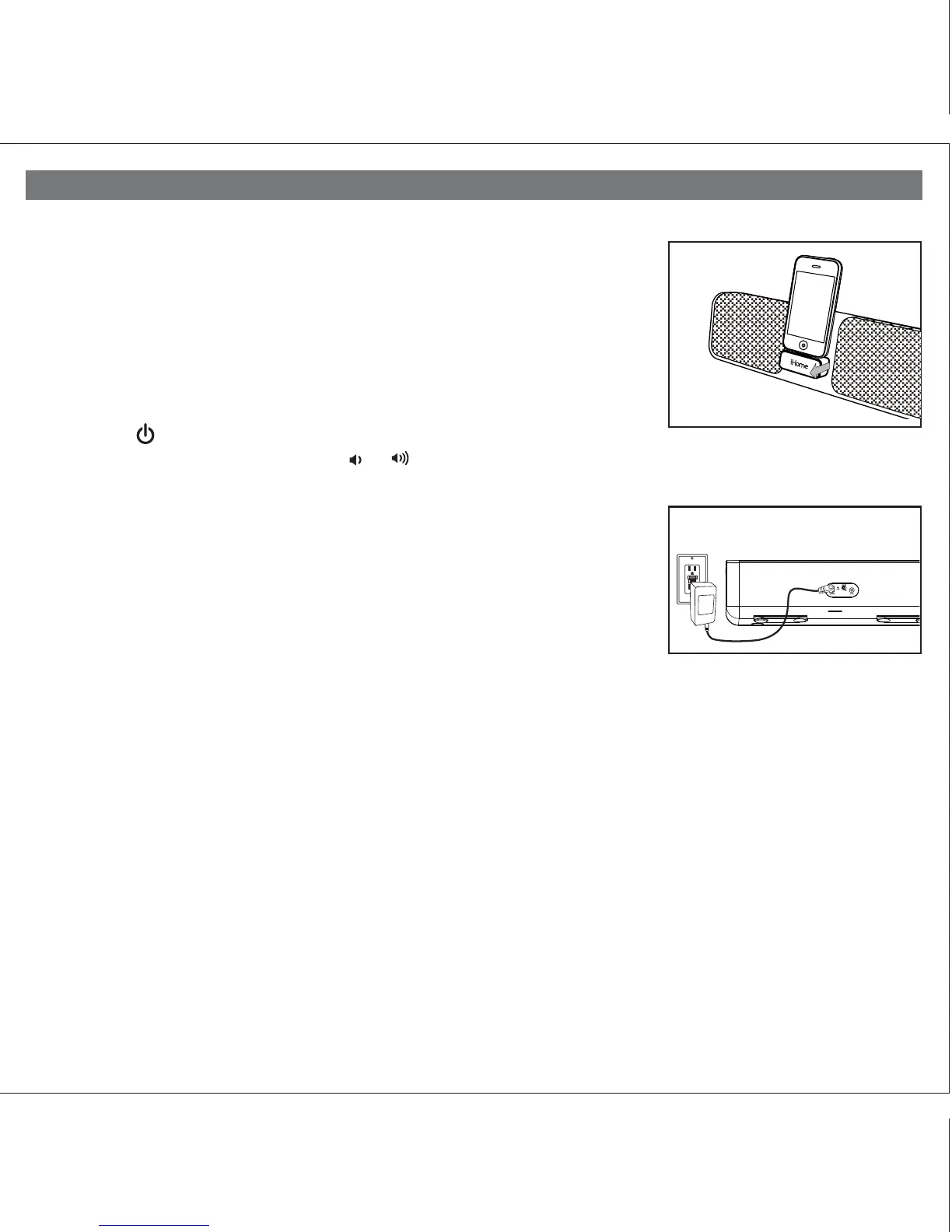
The iP46 has a retracting dock to play and charge your iPhone or iPod while connected
to AC power (it will NOT charge when operating on the internal rechargeable battery).
The dock will charge your iPhone or iPod until completely charged then stop charging.
1. Make sure the unit is connected to a working power source (AC adaptor is connected
or internal battery is charged).
2. Press on the iHome name below the dock to release and access the dock (press
back into unit when not in use).
3. Gently press your iPhone or iPod onto the dock. Do not force or use undue pressure.
Make sure your iPhone or iPod is not in a case or “skin”.
4. Press the Button located on top of the iP46 to turn the unit on. Place your
iPhone or iPod in play mode. Press the or Buttons located on top of the
unit to adjust the system volume. Press the SRS™ Button for enhanced bass
response.
Note: Docking an already playing iPhone or iPod will also turn the iP46 on.
Charging the Internal Battery
The iP46 has an internal rechargeable lithium ion battery. The battery condition indicator
is located on top of the unit. When fully charged, the indictor will glow steadily. When
the battery needs charging, the indicator will flash. To charge, connect the iP46 to a
working AC outlet.
End-Of-Life Battery Disposal Instructions
This device uses a Lithium-ion battery that should last the lifetime of the device. If you suspect your battery may be dead,
try charging it several times. If the battery does not recharge, please contact us for repair information. Please do NOT attempt
to change the battery yourself. If the battery has died and you do not want Manufacturer to replace your battery, you should
follow the disposal instructions below.
Consult local laws and regulations for proper battery disposal in your region. If there are no local regulations concerning
battery disposal, please dispose of the device in a waste bin for electronic devices.
Caution: The Battery used in this device may present a risk of fire, explosion or chemical burn if mistreated
Battery shall not be exposed to excessive heat such as sunshine, fire, or the like. Do not use or charge the battery if it appears
to be leaking, discolored, deformed, or in any way abnormal. Do not leave your battery discharged or unused for extended
periods of time. When batteries are misused, they may explode or leak, causing burns and personal injury. If your battery
leaks, use normal precaution and discard the battery immediately.
P7
Dock Release
RESET
RESET
TEST
TEST
3



 To Next Page