ENGLISH
ADJUSTMENT MENU CONTENTS
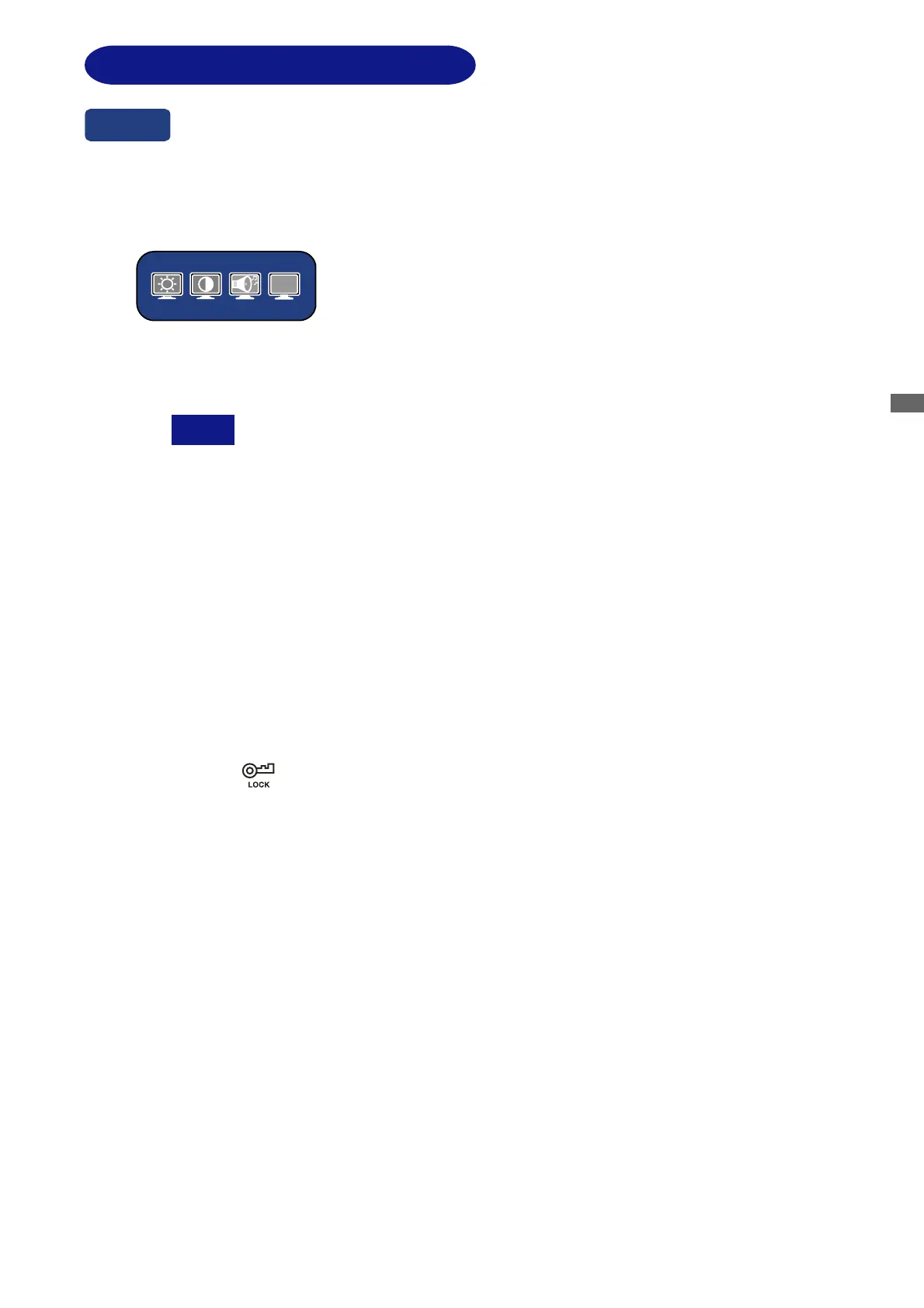
You can skip the Menu pages and display an adjustment scale directly by using the
following button operations.
z Brightness / Contrast / Volume*
1
/ DCR: To display direct menu press either of the +/- Buttons.
Continue to use the +/- Buttons to select the adjustments
required.
z DCR: Select on the Direct Menu.
Off: Typical Contrast Ratio
On: Increased Contrast Ratio
DCR adjusts brightness according to the image, and improve the contrast ratio
up to 2000:1 during move playing.
Brightness, sRGB and Economy Mode cannot be adjusted and selected while
DCR is active.
z Auto Set-up: Press the Auto Button when the Menu is not displayed.
z Volume (Mute)*
1
: With the OSD menu off, the pressing and holding of the Menu Button for 1-2
seconds will enable/disable the Audio Mute facility.
z Signal Select*
2
: With the OSD menu off, pressing the Input Button will switch the input signal
from Analogue to Digital.
z Lock Out: With the OSD menu off, pressing and holding the Menu and ‘-‘ Buttons
simultaneously for a period of at least 7 seconds will enable and disable the OSD
Lock Out mode.
is displayed while Lock Out is active.
Direct
DCR
*
1
Available for ProLite E2202WS / E2202WSV only.
OPERATING THE MONITOR 13
*
2
Available for ProLite E2201W / E2202WS only.
NOTE






 To Next Page