ENGLISH
30 OPERATING THE MONITOR
Adjustment Item Problem / Option Button to Press
Settings
Startup
&
shutdown
Startup
and
shutdown
option
Startup
channel
Standbyafterstartup(blackscreen):Turnothe
backlight.
Last shutdown channel
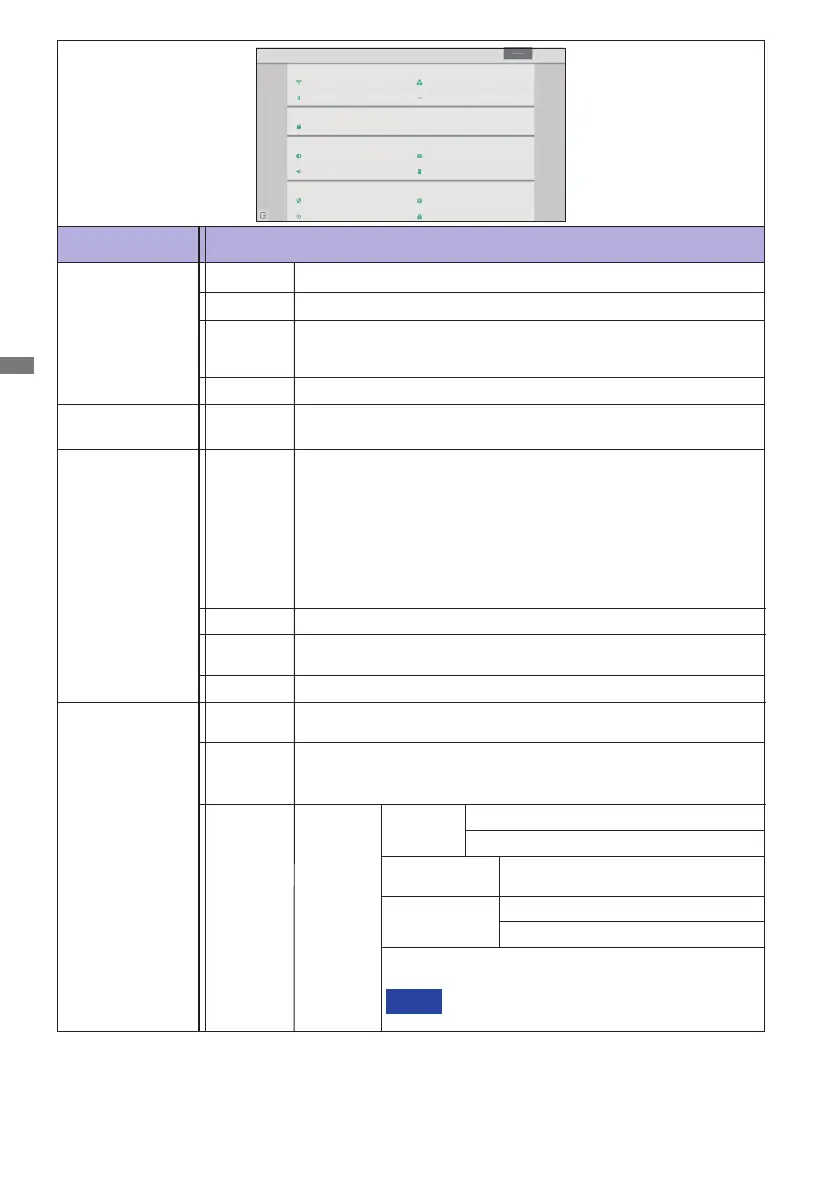
Settings
Wireless & networks
WiFi
More
Share
SAMBA Service
Device
Display
Apps
Personal
Security
Startup & shutdown
Storage
Language & input
Password
Bluetooth
Sound
Ethernet
Wireless &
networks
Device
Set the wired network.
Network:On/O,MacAdress,IPadress,Defaultgateway,
Netmask, DNS, Proxy
Set the wallpaper that is built into the system, set the External
source display and the Pixel Shift.
Wallpaper(LivewallpapersandWallpaper)
External source display settings
HDMIOutResolutionsetting(Auto/1366_768/1080p_50Hz/
1080p_60Hz/3840x2160_30Hz/3840x2160_50Hz/
3840x2160_60Hz/480p_60Hz/720p_60Hz/
3840x2160_60Hz_REAL_COLOR)
PixelShift:IntervalO/2/3/5/30/60mins
Storage
To display the internal system and USB disk.
Apps
View each application.
Language
& input
Set display language, keyboard and input method.
Language:Čeština,Deutsch,English,Español,Français,
Italiano,Nederlands,Polski,Русский
Defaultstartupchannel(Selectthesource)
NOTE
Ethernet
Display
Security
Personal
Credentialstorage(CerticateAuthorities),
Unknown sources install*
3
WiFi*
1,2
Bluetooth*
1
SettheWiFifunctionOn/OandpairingtoWiFidevice.
SettheBluetoothfunctionOn/OandpairingtoBluetoothdevice.
Share
SAMBA
Service
SMB sharing service
V1.0
More
Set the VPN function.
Sound
TouchSounds:On/O
Sound Output Settings : Headphone / Line Out / Speaker
Restore after
power loss
PowerOn/PowerO/LastState
Slot-PC startup
option*
4
Startup only through Slot-PC channel
Startup through any channel
PresstheScreenObuttonontheremote
control to return the screen.


 To Next Page
 Loading...