During the roasting process an app connected to the
machine will plot the measured temperature. Even if the
app is not connected, the roaster will execute the profile
stored in it’s memory.
If the roaster has been programmed with a profile that is
not suitable for the coffee, the beans can either burn or in
extreme cases catch fire.
We advise the following procedures during the roast
process.
4 ROASTING: ROASTING
11
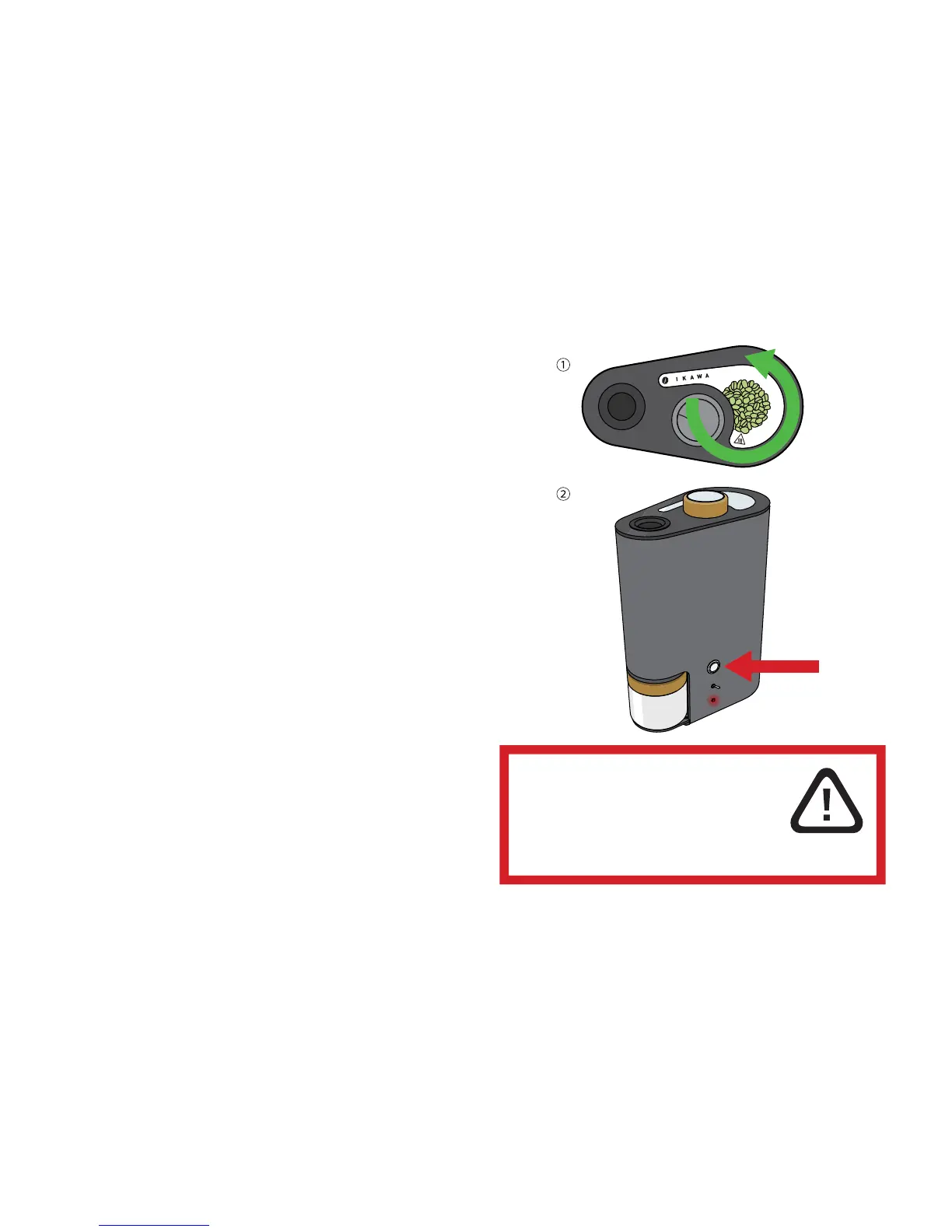
① When the roast starts ensure that the
beans are rotating freely.
② If the beans are not rotating freely
stop the roast by pressing the upper
button.



 To Next Page