OVEN CONTROLS
Setting Cook Time
Use Cook Time to set the amount of time needed for
most oven functions. The oven will turn on immedi-
ately (or after a specied delay) and stop automati-
cally after the set cook time ends.
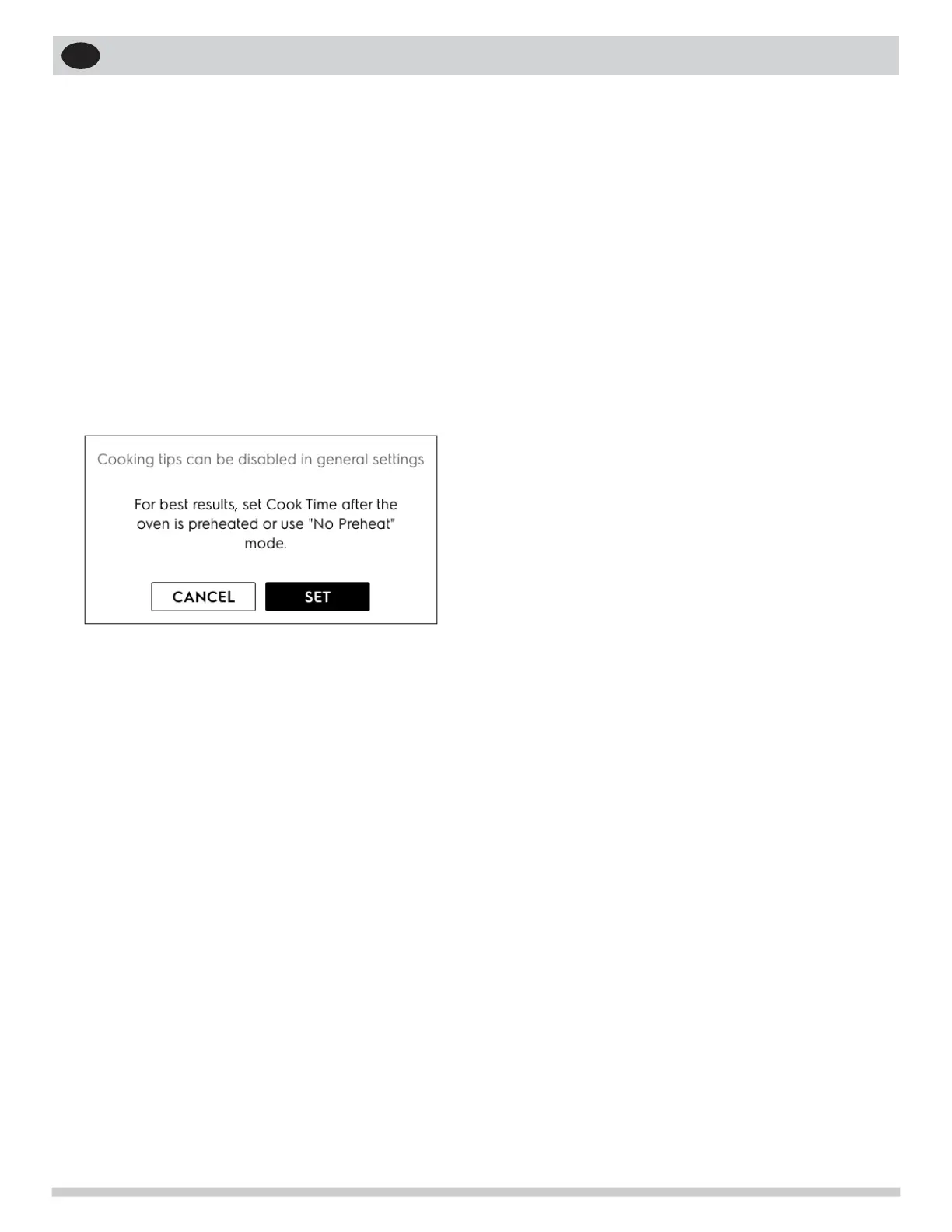
In most cases you will see a cooking tip suggesting
to set Cook Time after the oven is preheated.
When the programmed cook time ends:
• Off will appear in the display window
• an alert tone will sound
• the oven will turn off automatically The Off
message and an OKAY button will display until
OKAY is touched.
NOTE: The maximum cook time setting is 11 hours
and 59 minutes unless the oven is set for continuous
cooking.
To change the oven temperature or cook time
after baking has started:
• Touch + or - on either side of the set tempera-
ture.
• Touch TEMP to access the keypad.
19


 To Next Page