24 IKE 4 User Manual
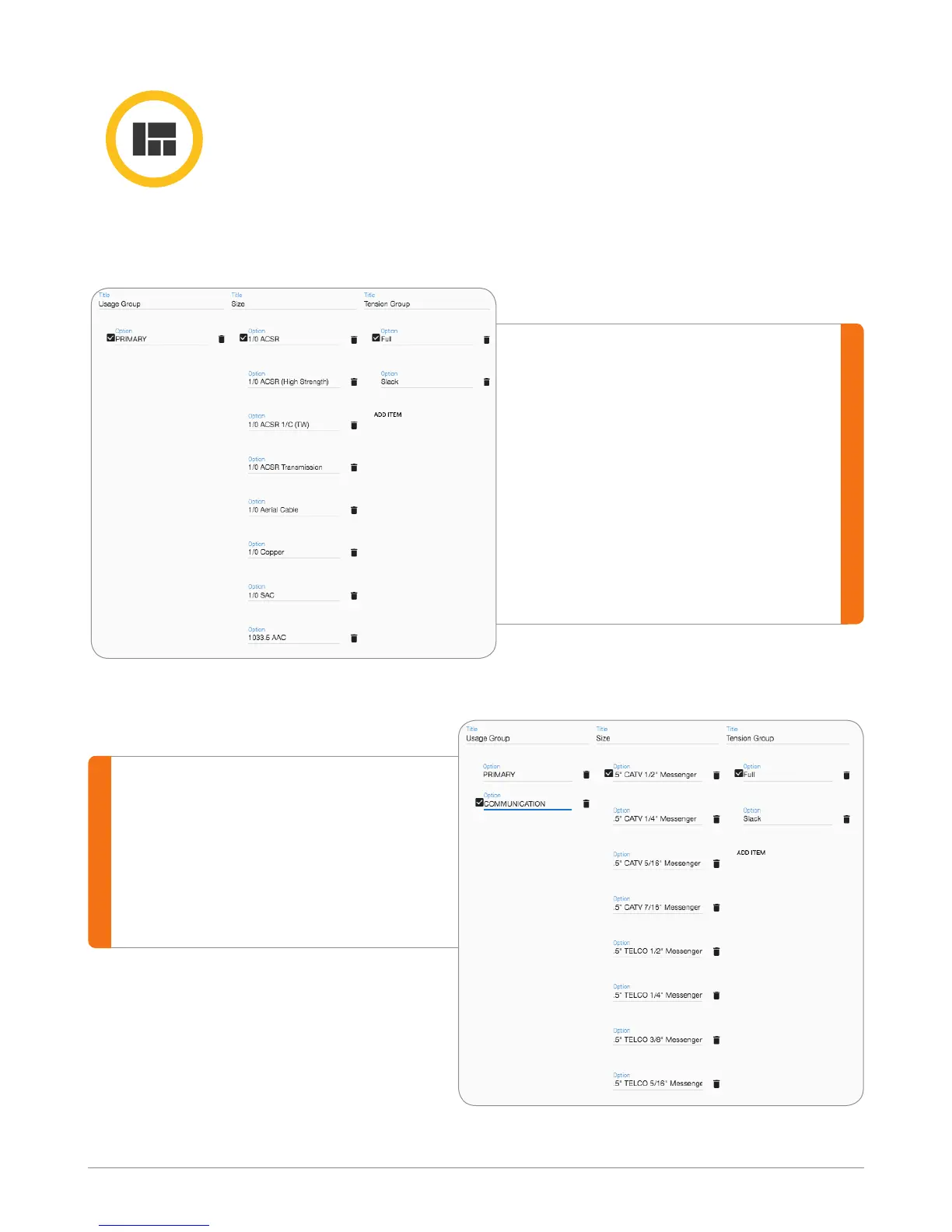
Follow the above steps to add
the second list. In this case, add
Communication in the Usage
group. Then go to the Size list, and
add all the wires sizes applicable
to Communication, etc.
Nested List
Allows creation of nested list in IKE Ofce up to 3-levels deep. Nested list
are created using the same process as the main list, however the selection
made at each level dictates the selection options available at the next level.
Example dening use of nested lists for the select list called “Wire”:
Enter rst level value. In this
case, the rst level is Usage
Group, the value is Primary.
The second level value is
Size. Enter all the size values
applicable for Primary wire.
The third level is Tension
Group. You can dene different
tension for each wire size.



 To Next Page