42 IKE 4 User Manual
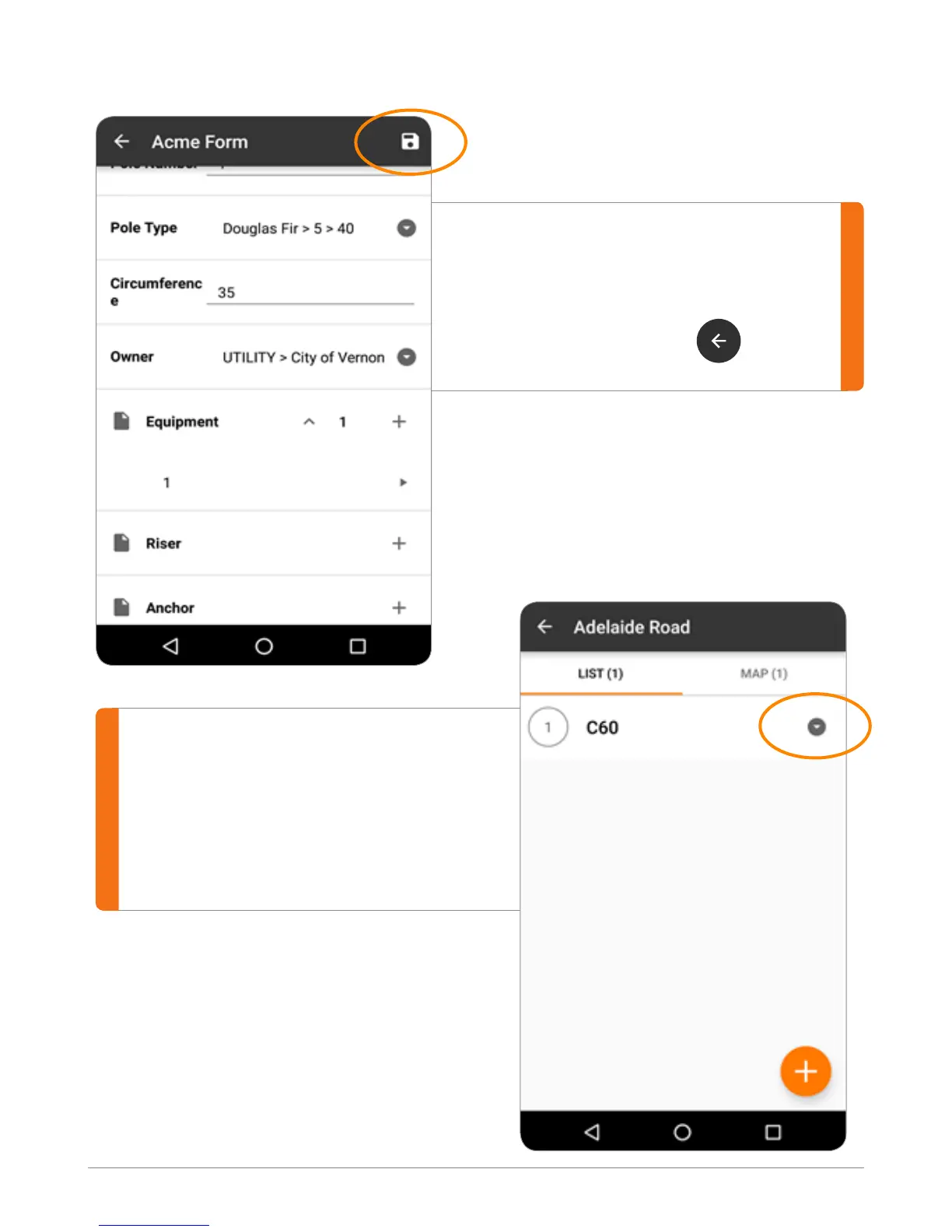
On a form screen at any given time,
you can tap the Save button to save the
collected information.
Use the Back Arrow to go
back to the Job screen.
The Job screen shows all of the
collections you have made for this job
in both a list and on a map.
In the List tab, tapping the down arrow
next to a collection shows a summary.



 To Next Page