IKE 4 User Manual 43
#1
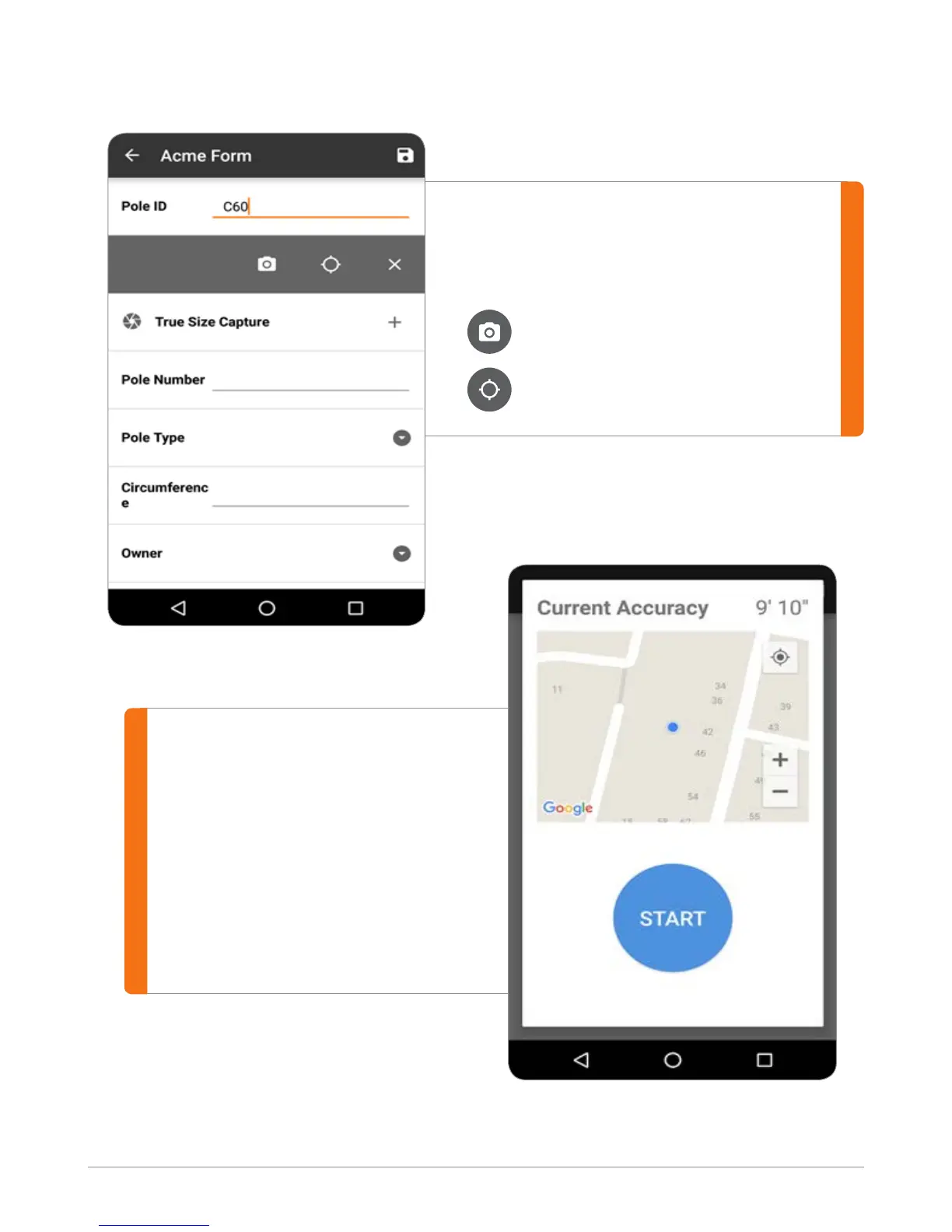
To capture a location, select the eld
and choose from:
Local GPS Position
#2
For the Local GPS position tool,
the current accuracy shows the
expected accuracy of the position.
Pressing START begins averaging
GPS data for a 30-second period
to get the best accuracy. Try not to
move or cover the device during
this process.
Local Position (GPS Only)
Target Position (GPS + laser offset)


 To Next Page