IKE 4 User Manual 55
Photo Measure Basic
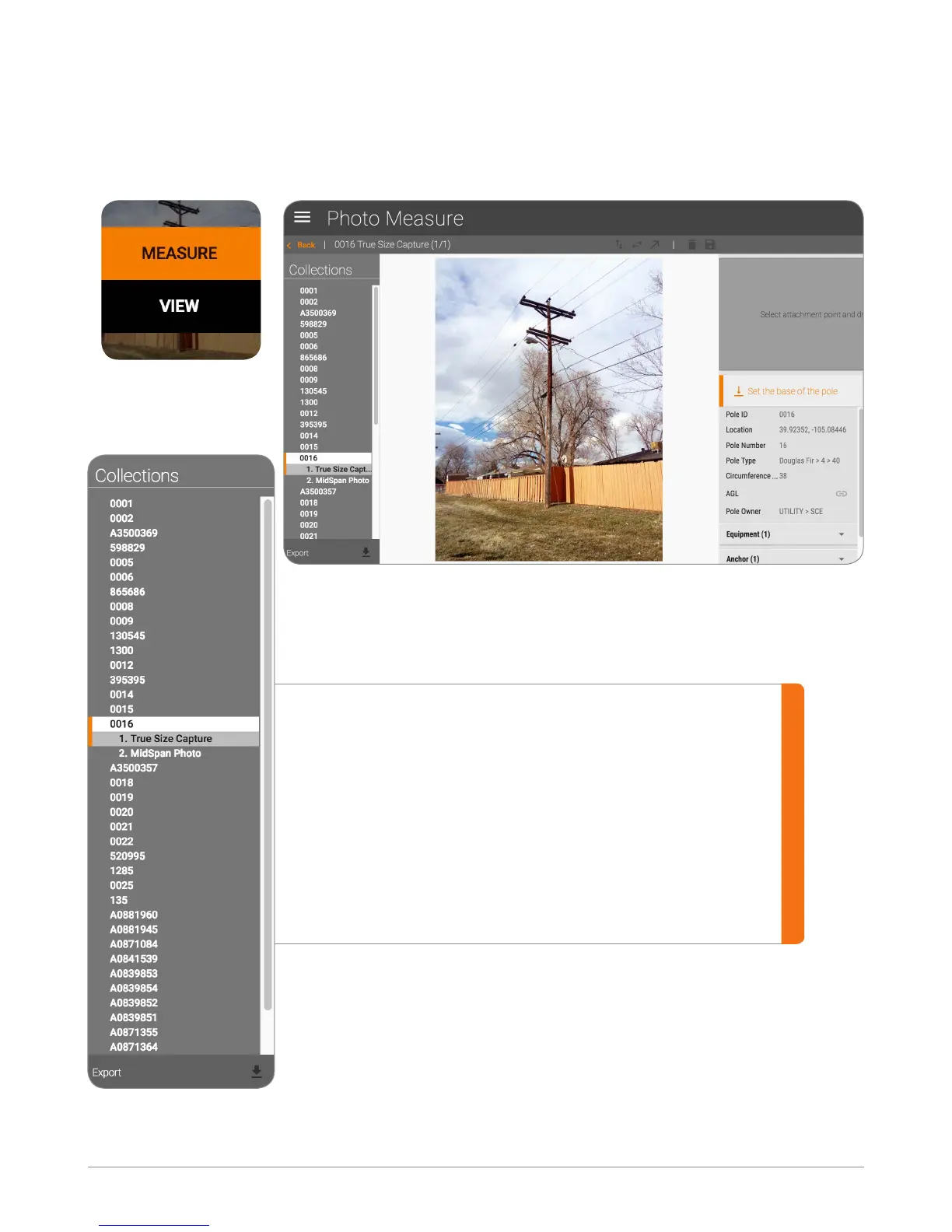
Mouse over the photo of the pole, and click on Measure. The Photo
Measure screen is displayed.
Navigation Panel
The navigation panel on the Photo Measure screen is
used to quickly navigate from one pole to another.
Under each pole collection, all the Photo Measure
photos are listed. Select any of the photos within the
list for measurement. Measurements can be made
on as many photos as needed.


 To Next Page