EasyManua.ls Logo

Ikelite Compact Video Housing - User Manual

Ikelite Compact Video Housing
16 pages
Print Icon
To Next Page IconTo Next Page
Loading...
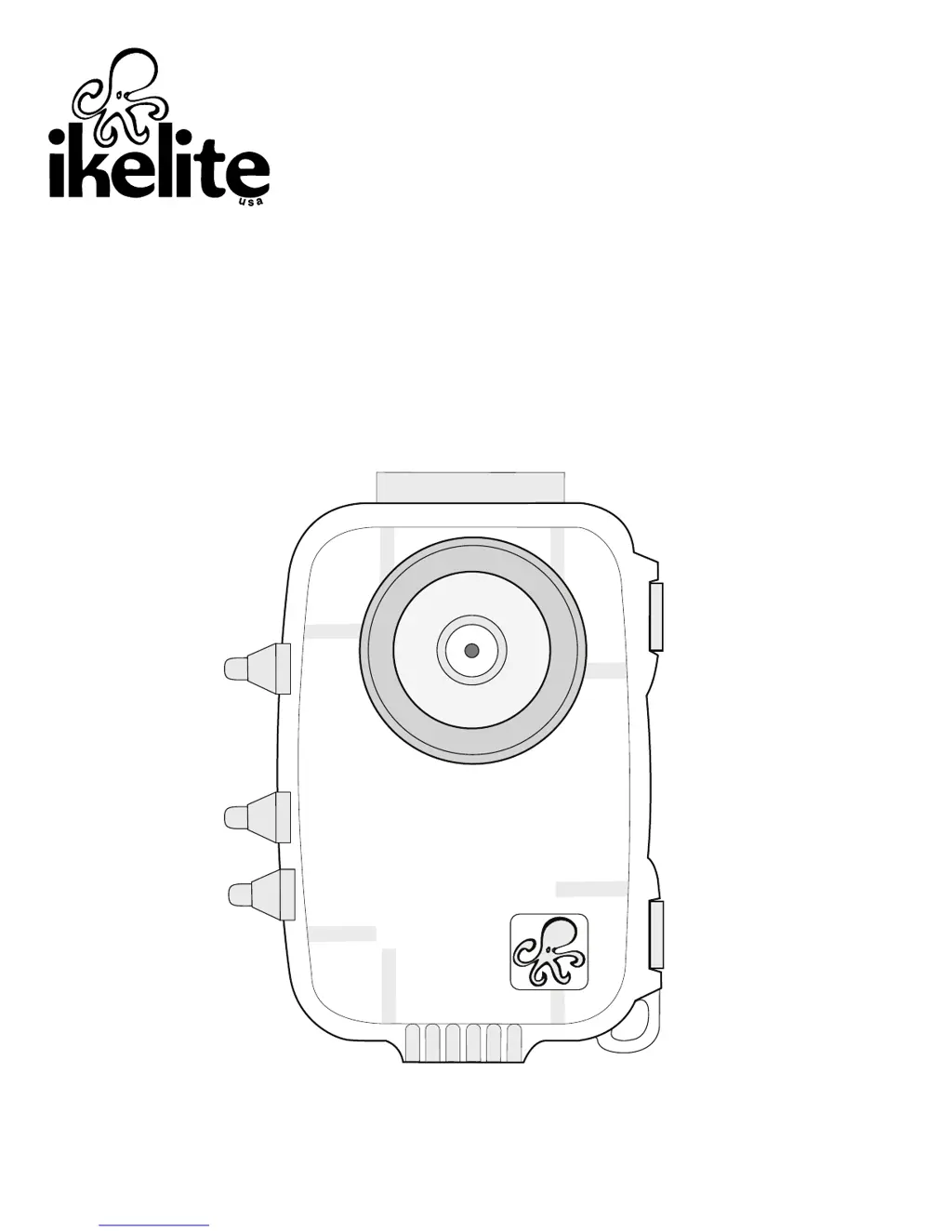
Compact Video Housing
i n s t r u c t i o n m a n u a l
#5651.10 JVC Picsio GC-WP10AU Video Camera
#5651.11 JVC Picsio GC-WP10AU Video Package
Thank you for your purchase of Ikelite equipment. Please read this
instruction manual completely before attempting to operate or dive with this
product.

Questions and Answers

  • S
    Sandra HoffmanJul 27, 2025
    What to do if water enters my Ikelite Compact Video Housing housing?
    • Z
      zjohnsonJul 27, 2025
      If water enters the housing, you should remove, clean, and properly lubricate the main o-ring. Check for any hairs, dirt, or foreign debris interfering with the o-ring seal. You can also reassemble the housing without the camera and pressure test it or take it diving. If the problem persists, return the housing to Ikelite for routine maintenance.
  • C
    carlos97Aug 5, 2025
    Why are my Ikelite Compact Video Housing Camera Accessories pictures too blue or green?
    • M
      mikerodriguezAug 5, 2025
      If your pictures are too blue or green, consider adding an optional color-correcting filter or external lighting. Moving closer to your subject can also help. Ensure the camera is correctly installed and lightly lubricate the main housing o-ring. After use, remove the camera and rinse the closed housing in freshwater, vigorously pressing each push button to release trapped saltwater or debris. If a control feels sticky, try pulling the control knob out and pushing it back in. For persistent issues, return the housing to Ikelite for maintenance.
  • N
    Natalie SchultzAug 16, 2025
    How to prevent fogging on the lens port of Ikelite Camera Accessories?
    • K
      Karen JohnsonAug 16, 2025
      Fogging on the lens port can occur if humid air is trapped inside the housing, as the camera's heat may condense moisture. To address this, close the housing in an air-conditioned environment. Avoid leaving the housing in direct sunlight for extended periods. You can also use desiccant packs inside the housing. If moisture or water droplets are present around the controls, return the housing to Ikelite for evaluation.

Summary

Preparation

Initial Camera Setup

Opening the Housing

Main Housing O-ring

Installing the Camera

Closing the Housing

Safety Check

Entering the Water

Maintenance

O-ring Maintenance

Housing Maintenance

Video and Photo Tips

Troubleshooting

Water enters the housing

Check o-ring, clean, lubricate, and reassemble. Return to Ikelite if problem persists.

Pictures are too blue or too green

Add color correcting filter or external lighting. Move closer to subject.

Housing is hard to close

Lightly lubricate o-ring and ensure camera is installed correctly.

Fogging occurs on the Lens Port

Technical Support

Returning Products for Service

Limited Warranty

Ikelite Compact Video Housing Specifications

General IconGeneral
BrandIkelite
ModelCompact Video Housing
CategoryCamera Accessories
LanguageEnglish

Related product manuals