EasyManua.ls Logo

Ilife V3s Pro - User Manual

Ilife V3s Pro
128 pages
Print Icon
To Next Page IconTo Next Page
Loading...

-
l81•i
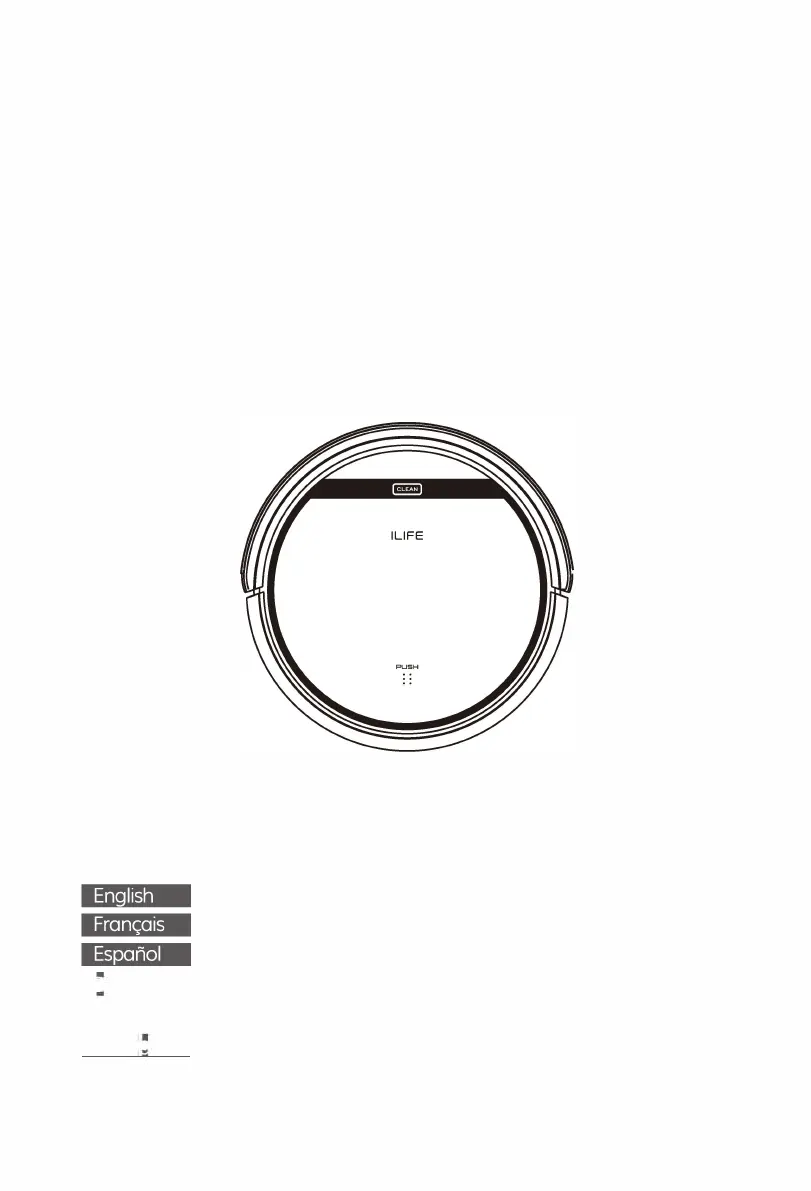
User Manual
Robotic vacuum cleaner
Model: V3s Pro
www
.lime
x
.c
h
ILIFE

Table of Contents

Questions and Answers

  • A
    Albert HardingAug 15, 2025
    What to do if Ilife V3s Pro Vacuum Cleaner is not charging fully?
    • W
      William WallerAug 15, 2025
      If your Ilife Vacuum Cleaner is not charging fully, it might be due to something like pet hair filling the charger's socket. Clean the socket and check the connection between the charger and the battery.
  • W
    wagnerchristopherAug 18, 2025
    What to do if Ilife Vacuum Cleaner filter is dirty?
    • M
      Mallory MatthewsAug 19, 2025
      If the filter of your Ilife Vacuum Cleaner is dirty or wet, clean or change it.
  • S
    Shannon ChristianAug 21, 2025
    What to do if Ilife Vacuum Cleaner dust bin is full?
    • R
      robert08Aug 21, 2025
      If the dust bin of your Ilife Vacuum Cleaner is full, empty it.
  • D
    Diana ThomasAug 25, 2025
    What to do if Ilife Vacuum Cleaner cliff sensor is dirty?
    • A
      Adam RowlandAug 26, 2025
      Inspect and clean the cliff sensors on your Ilife V3s Pro robot Vacuum Cleaner.
  • T
    Tracy FoxAug 28, 2025
    What to do if Ilife V3s Pro gets stuck?
    • S
      sanchezmaryAug 28, 2025
      If the main body of your Ilife Vacuum Cleaner gets stuck, move it and start it again.
  • J
    jonathan03Sep 1, 2025
    What to do if Ilife V3s Pro is circling in place?
    • J
      John RamosSep 1, 2025
      If your Ilife V3s Pro Vacuum Cleaner is circling in place, it may be bumping into an obstacle continuously. Try starting the robot in a new location.
  • P
    Pamela OrrSep 4, 2025
    How to fix the bumper if it is compressed on Ilife V3s Pro?
    • M
      Maria SmithSep 4, 2025
      If the bumper on your Ilife V3s Pro robot Vacuum Cleaner is compressed, briskly tap it 10-20 times to dislodge any debris.
  • K
    Kathleen DuranSep 7, 2025
    What to do if Ilife V3s Pro Vacuum Cleaner's components are tangled with debris?
    • A
      Amy AdamsSep 7, 2025
      If your Ilife Vacuum Cleaner's components are tangled with debris, clean the side brushes and the main brush.
  • D
    Donna LopezSep 12, 2025
    What to do if Ilife V3s Pro setting for Scheduling isn't saved?
    • W
      William MartinSep 12, 2025
      If the setting for Scheduling isn't saved on your Ilife Vacuum Cleaner, power ON the robot.

Summary

Important Tips

How to Use the Robot

Essential steps for operating the robot and preparing the cleaning area.

Safety Instructions

General Safety Precautions

Important guidelines and warnings for safe usage, handling, and maintenance of the robot.

Product Operating

Getting Started with Your Robot

Initial setup steps, including placing the charging base and powering on the robot.

Starting, Pausing, and Sleeping Modes

How to start, pause, and put the robot into sleep mode.

Product Maintaining

Trouble Shooting

Error Code Sheet

List of error tones, their causes, and recommended solutions for robot malfunctions.

Troubleshooting Error Appearances

Common error occurrences, their likely causes, and corresponding solutions.

Ilife V3s Pro Specifications

General IconGeneral
Battery Capacity2600 mAh
Dustbin Capacity300 ml
NavigationRandom
Charging Time4-5 hours
Filter TypeHEPA
Suction Power600 Pa
TypeRobot Vacuum Cleaner
Cleaning ModesAuto, Edge, Spot
FeaturesAnti-collision sensors

Related product manuals