BATTERY POWER
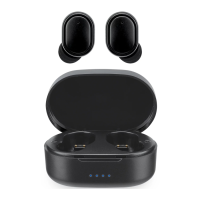
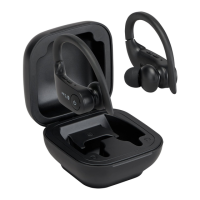
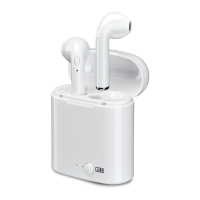
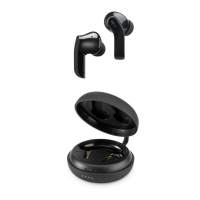
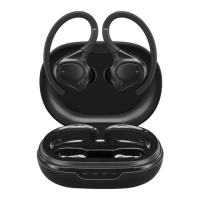
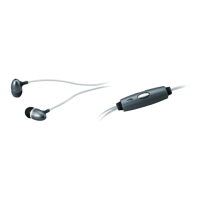
To charge the earbuds, connect the included Micro–USB to USB cable to a USB
port on a powered computer, or other USB power source. Charge fully before use.
When charging, the unit will display a red indicator light.
When the earbuds are fully charged, the red indicator light will turn o.
NOTE:
For safety reasons, please do not use the earbuds while they are charging.
To download this User’s Guide in English, Spanish, or French, or to get answers to
frequently asked questions, visit the support section at:
www.iLiveElectronics.com
Para descargar este Manual del Usuario en inglés, español y francés, o para obtener
respuestas a preguntas frecuentes, visite la sección de apoyo en:
www.iLiveElectronics.com
Pour télécharger ce guide de l’utilisateur en anglais, espagnol ou français, ou pour
obtenir des réponses à des questions fréquemment posées, consultez la rubrique
d’assistance sur:
www.iLiveElectronics.com
INTERNATIONAL SUPPORT
For Warranty Information and the most
up-to-date version of this User’s Guide,
go to: www.iLiveElectronics.com
Website: www.iLiveElectronics.com
Email Support: prodinfo@dpiinc.com
Email Parts: partsinfo@dpiinc.com
Phone Support: 1-888-999-4215
Protect for Today
Sustain for Tomorrow
Made
Green
CONTACT INFORMATION
WARRANTY
Glowing Earbuds
User’s Guide for Model No. IAEL65 v1209-01


 To Previous Page