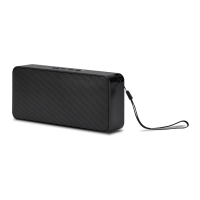
Pairing a Bluetooth Device
1. Turn on the unit using the Power switch. The Pairing/
Line In Indicator will ash blue quickly.
2. Press and hold the Pair button until a beep sounds.
When pairing, remain within 3 feet of the unit.
3. Using the native controls on your Bluetooth device,
select the “ISB212” in your Bluetooth settings to pair.
If your device requests a password, enter the default password “ 0 0 0 0 ”. Refer to the user’s
manual for your specic device for instructions on pairing and connecting Bluetooth devices.
4. When successfully paired and connected, the Pairing Indicator
will display a solid blue light and a beep will sound from the unit.
After initial pairing, the unit will stay paired unless unpaired manually by the user.



 To Next Page