Playing Audio Wirelessly
1. Follow the instructions for Pairing a Bluetooth Device.
2. Use the native controls on the connected
Bluetooth device to select a track.
3. To play, pause or skip the selected track, use the
native controls on the connected Bluetooth device
or press the Play/Pause button on the unit.
4. Audio played through the connected Bluetooth
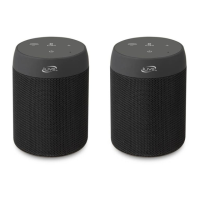
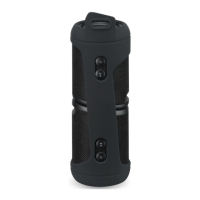
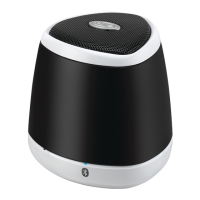
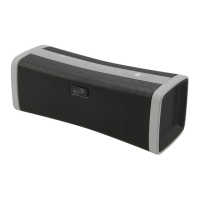
device will now be heard through the speakers.
5. Press and hold the Vol+/Vol- buttons to adjust the volume.



 To Next Page