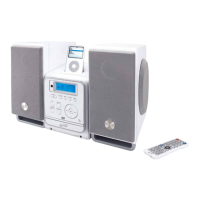
iPod and iPhone
Docking an iPod, iPhone or ipad
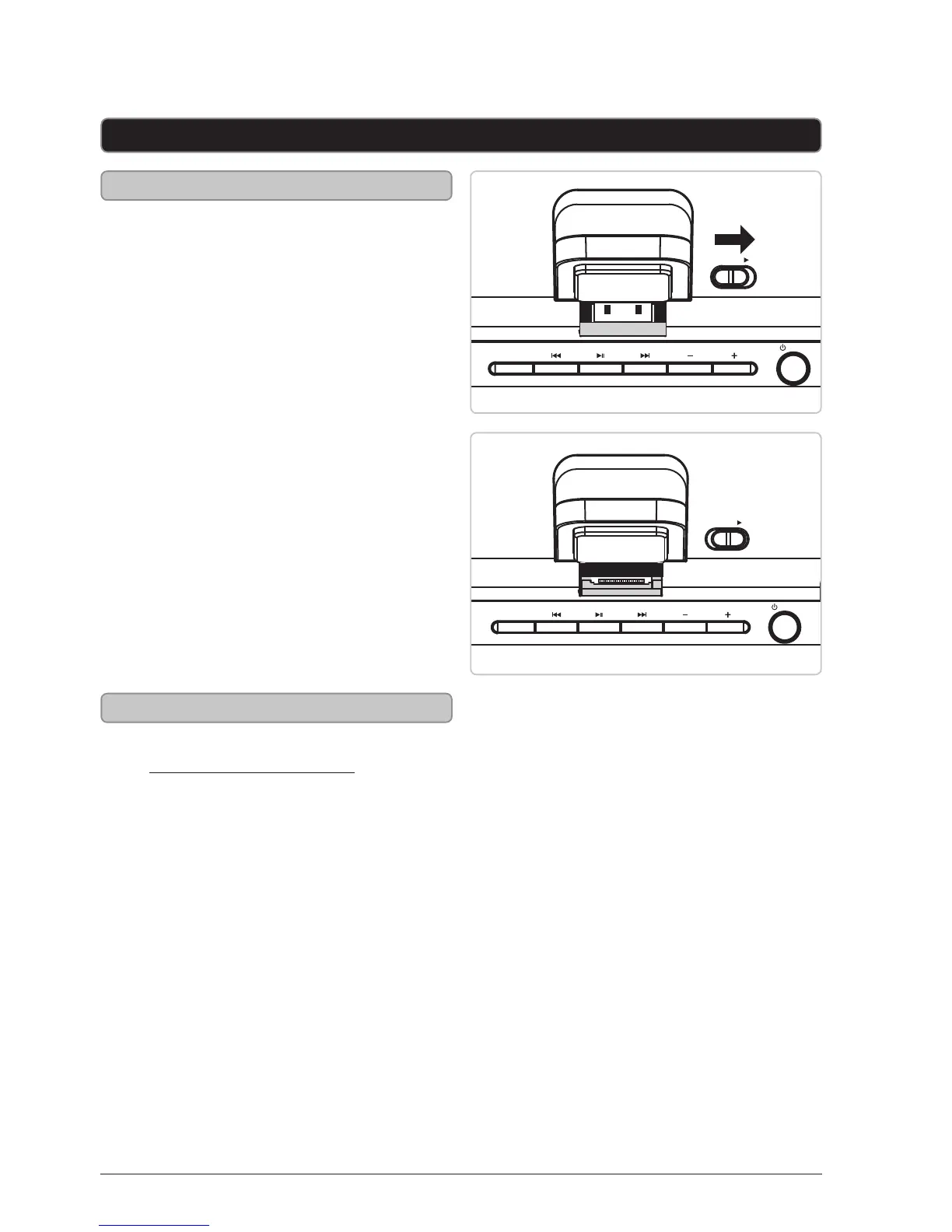
1. Connect the iPod or iPhone to
the connector inside the Dock
for iPod, iPhone or iPad.
2. If the connector has been
moved into a downward locked
position, slide the Release latch
to the right so it is upright.
3. When the speaker is plugged
in, using AC power, the docked
iPod or iPhone will charge.
Playing a Docked iPod or iPhone
1. Follow the instructions for
Docking an iPod or iPhone.
2. Press the Pair/Play/Pause
button to begin playing the
docked iPod, iPhone or iPad.



 To Next Page