Illustra Pro PTZ Outdoor Housing
6 Quick Reference Guide
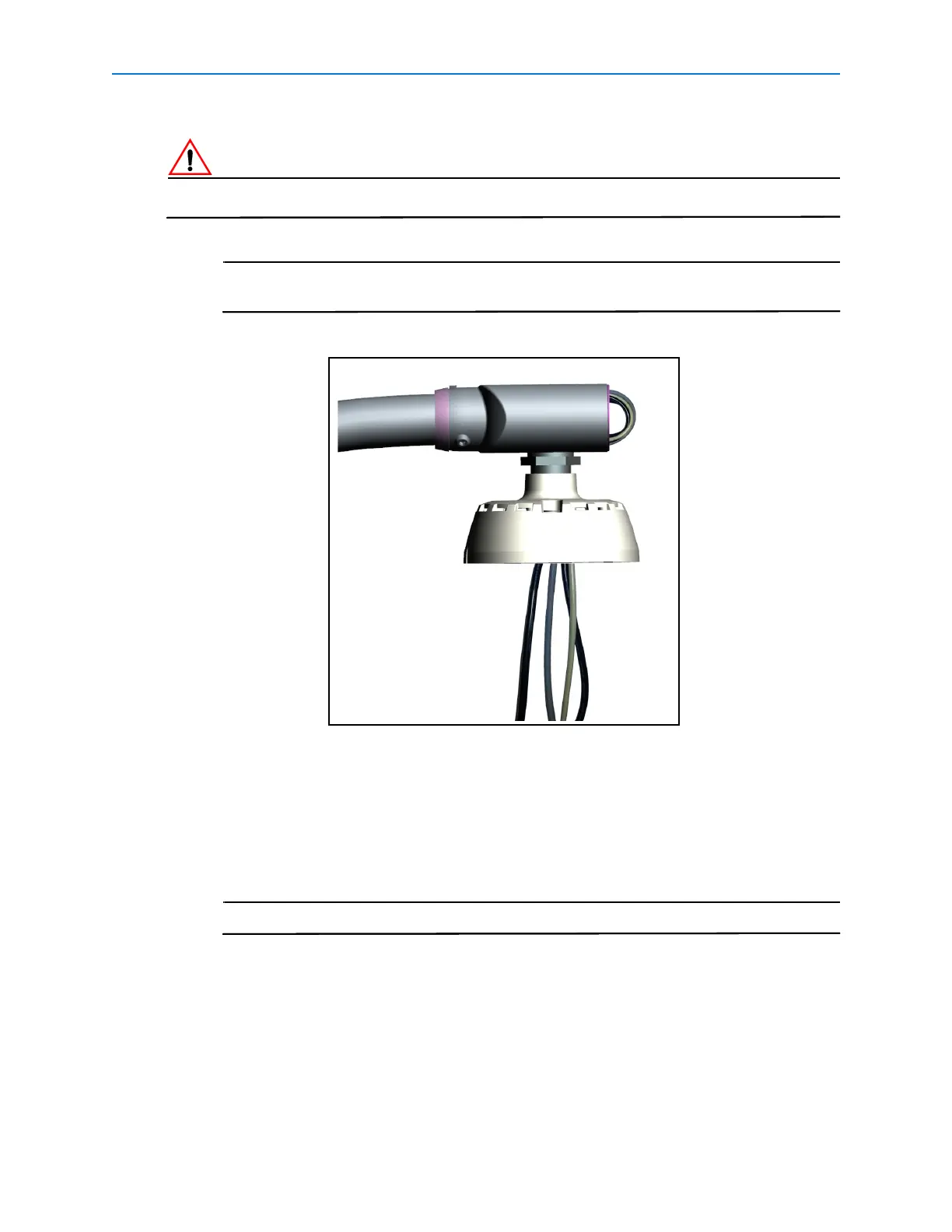
in the cables when attaching the outdoor housing in later steps.
If audio cables are to be extended beyond 30m in length, they must be shielded.
For ease of installation the power, alarm and audio cables should be routed
through first, followed by the Ethernet cable.
Figure 7
8 Terminate the network cable using the supplied weather proof Ethernet connector.
9 Remove the outdoor camera housing from the packaging.
10 Insert desiccant bag:
a Rotate the camera to the position shown in Figure 8, this will allow for space while
inserting the desiccant bag.
Avoid touching the lens during positioning and installation of the desiccant bag.


 To Next Page