5.2
|
REGULAR INSPECTION AND CLEANING
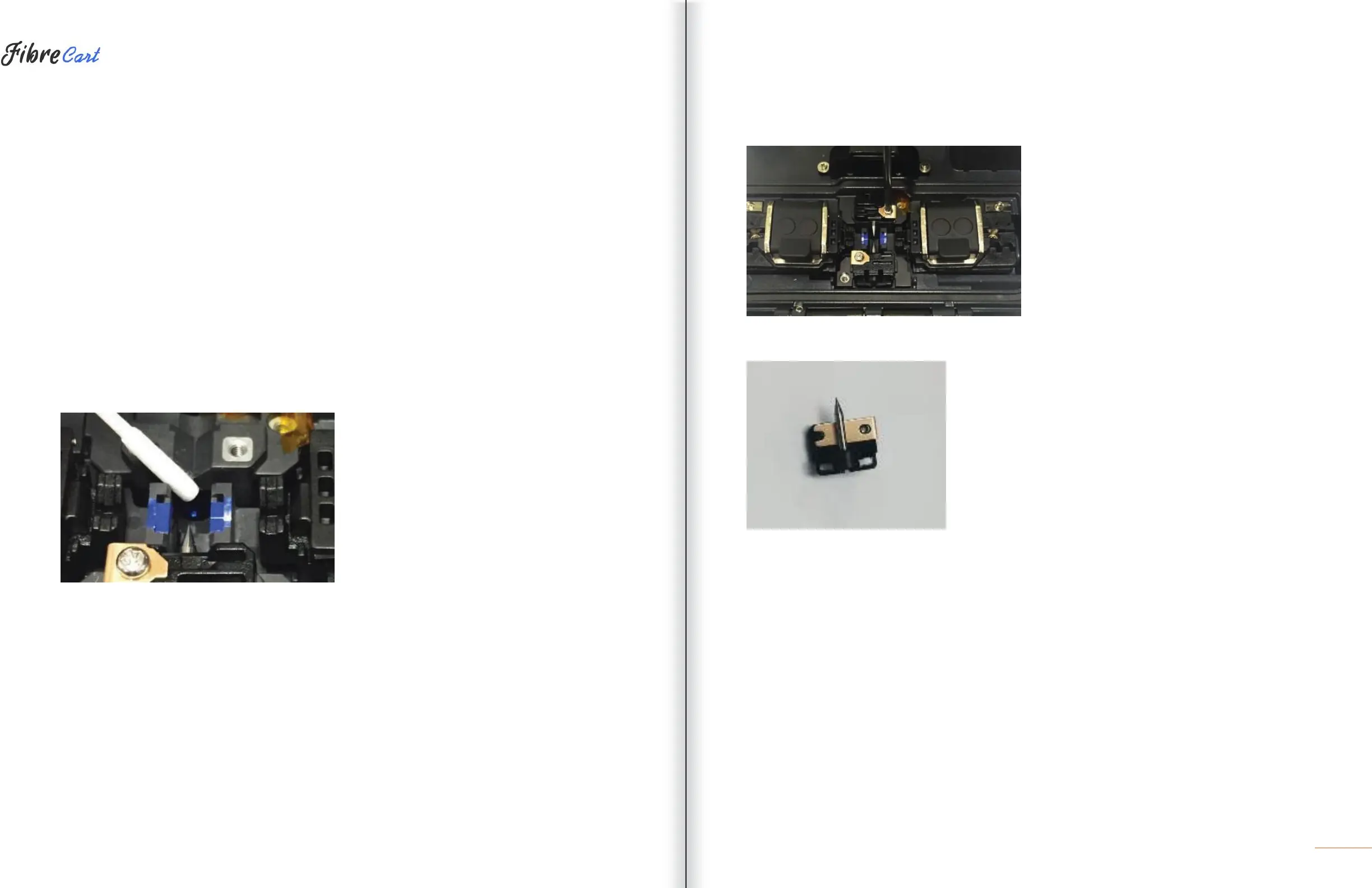
To ensure splicing quality, regular inspection and cleaning are required.
5.2.1
OBJECT LENS CLEANING
Contamination on the object lens surface disturbs the identification of fiber core location and consequently
causes high splice loss. Object lenses should be kept clean at all times. If dust accumulates for a prolonged
period, it may be difficult to remove. Clean the lens frequently as follows.
1| Turn the power off before cleaning the object lens.
2| Separate the electrodes.
3| Use a soft cotton swab moistened with alcohol to clean in a circular motion from the center as shown in the
figure below. Dry the remaining alcohol using a clean, dry, lint-free cotton swab.
4| The surface of the object lens should be clean without any lines or stains.
5| Reassemble the electrodes.
6| Turn the power on and check for any lines or stains on the monitor. Conduct a self-diagnosis.
5.2.2
ELECTRODES REPLACEMENT
The electrodes should be replaced after being used approximately 4000 times. If the number of arcs exceeds
the replacing cycle, an electrode replacement message is displayed on the screen. If electrodes are not
replaced, splice loss increases and the tensile force at the splicing point weakens.
1| Turn the power off when replacing the electrodes.
2| Open the wind cover and unscrew the clamp screw on the electrodes block.
3| Remove the electrode block and the electrodes.
4| Clean the electrodes carefully by using a soft cotton swab moistened with alcohol, then install.
5| Turn the power on and conduct the electrode stabilization process in the menu.



 To Next Page