PRODUCT OUTLINE
3.1
| FUNCTION BUTTONS
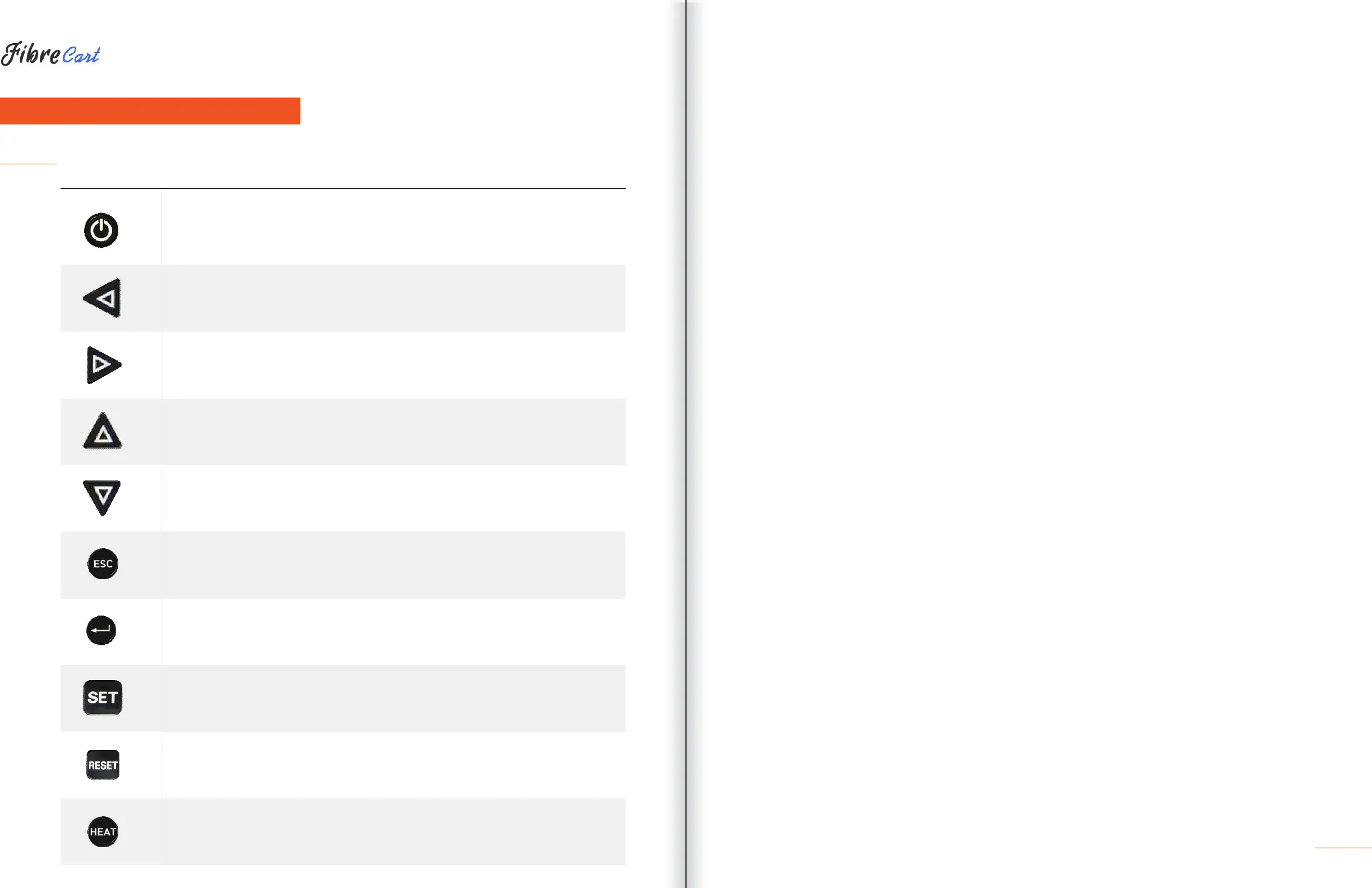
BUTTON DESCRIPTION
Press and hold about 1 second to turn the power on/off.
Move the cursor to the left.
Move fiber to manual mode and adjust the camera’s focus. Stripping popup
menu should load.
Move the cursor to the right.
Move fiber to manual mode and adjust the camera’s focus.
Move the cursor upward.
Move each motor to manual mode. Splice popup menu should load.
Move the cursor downward. Move each motor to manual mode. Heater
popup menu should load.
Initialize the splice function. Return to the menu screen.
Complete a selection.
Follow the next step on the menu screen.
Return to the initial screen and initialize splice function.
Turn on the heater.
When it is on, the lamp on the left is in the red.
Press once more when it is on, and the heater is turned off.



 To Next Page