2| Delete it by pressing .
6.1
| SPLICE
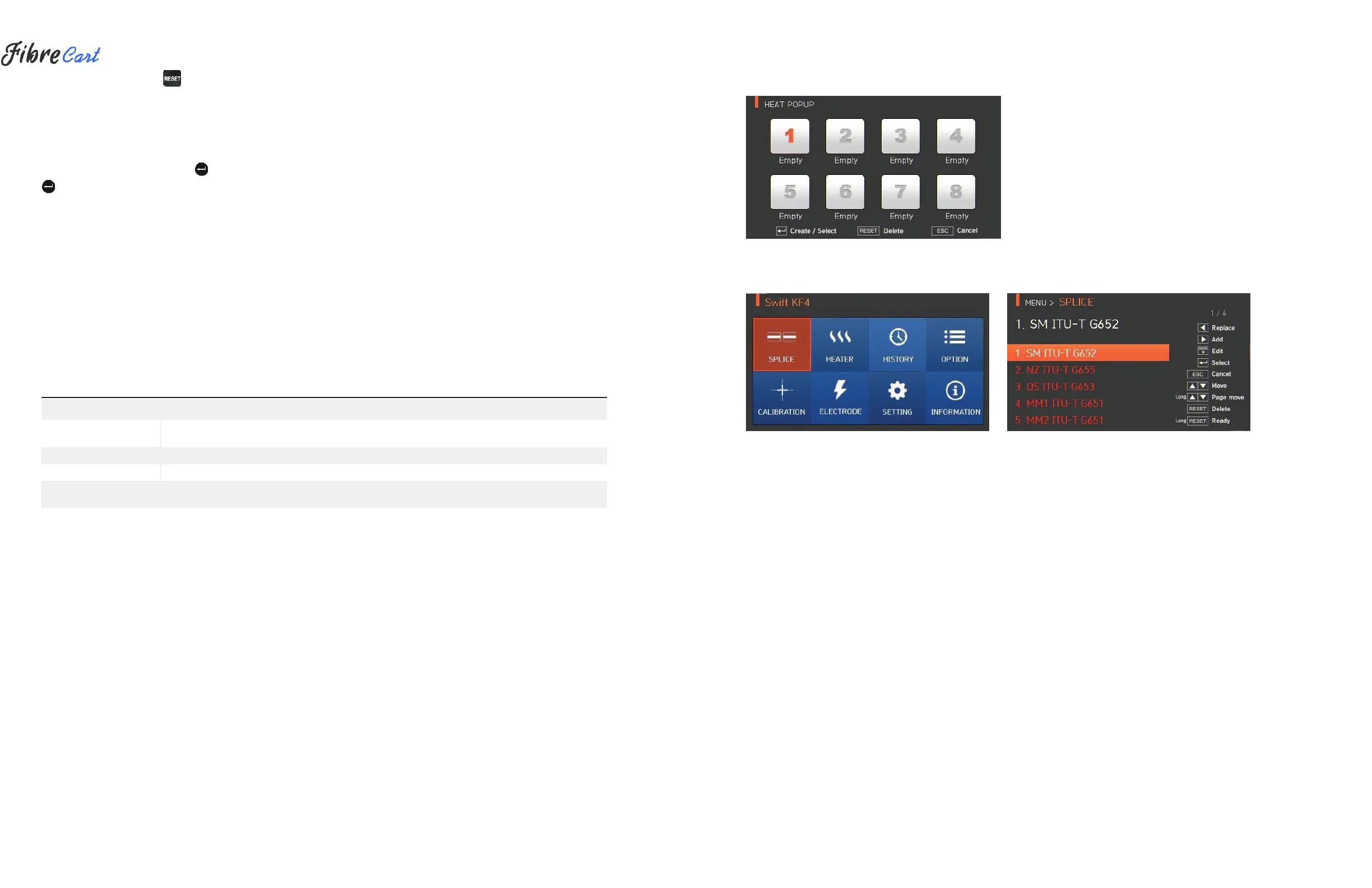
To display splice mode, press and select “SPLICE” menu with the
button. It displays a screen for splice mode selection as follows. The
screen has a list of splice modes to facilitate easy selection. Up to 300
splice modes can be saved. These splice modes are classified into
general modes and user-defined modes.
•
General splice mode: Nos. 1 — 26
•
User-defined splice mode: Nos. 27 — 300
[Splice modes summary]
SPLICE MODE
DESCRIPTIO
N
For NZDS fiber. MFD of NZDS fiber is about 9 — 10µm at 1550nm wavelength.
WDM fiber can also be spliced on this mode.
Other splice modes are saved in the KF4 database; New splice modes are currently being updated;
Users should upgrade equipment regularly by contacting UCLSWIFT.



 To Next Page