6.1.1
DELETION
First, select a splice mode by pressing . Then press to delete the selected mode. General modes Nos.
1 — 26 cannot be deleted.
6.1.2
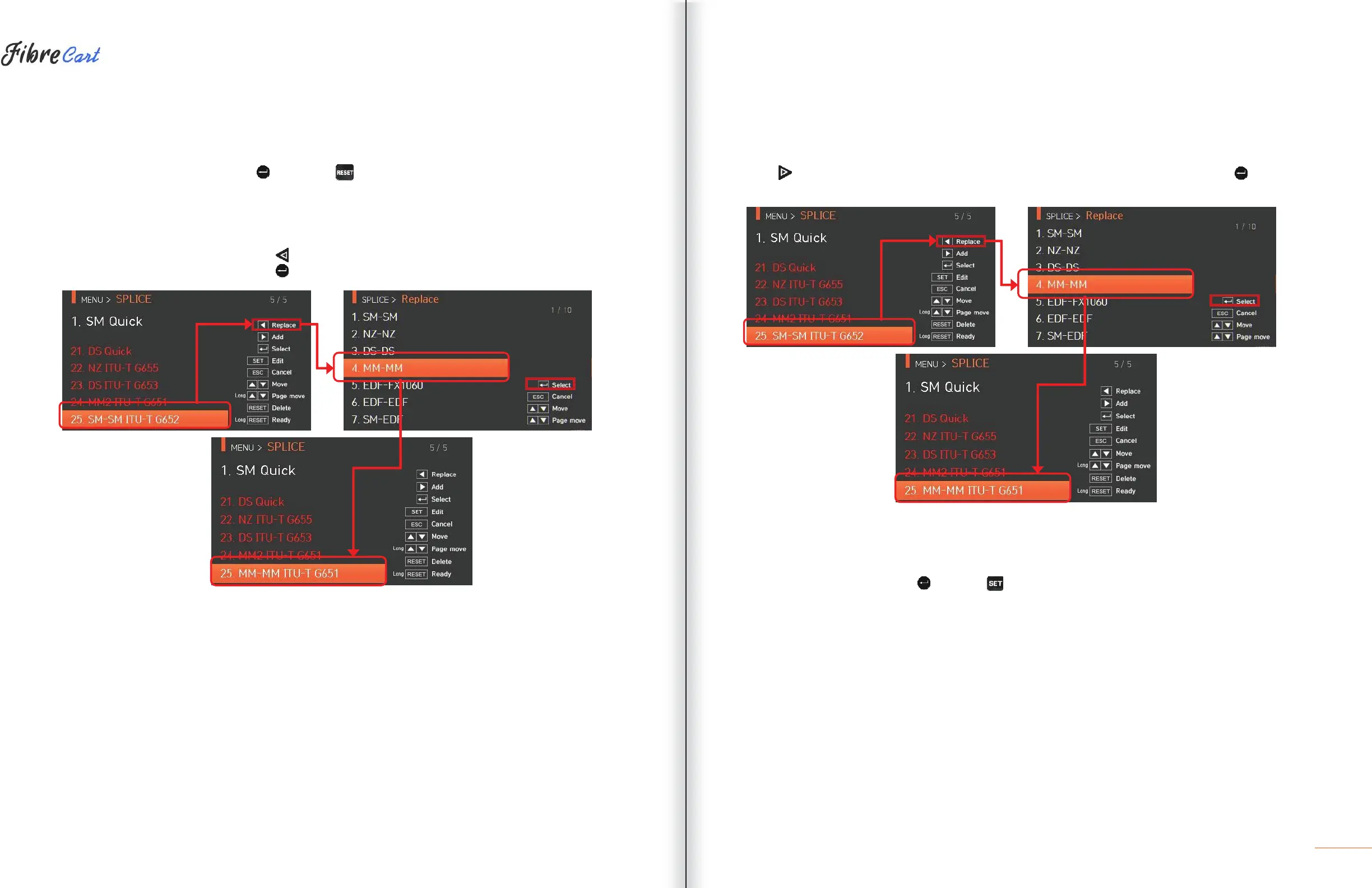
REPLACEMENT
Select a splice mode to replace and press . Splice modes saved in the database are displayed on the screen.
Select a splice mode to replace and press . The mode is replaced with the new mode.
Preset modes Nos. 1 — 26 cannot be replaced.
6.1.3 ADDITION
Press
to display splice modes saved in the database. Select a splice mode to add and press . The newly
added mode is located on the last number.
Additions cannot be made on general modes Nos. 1 — 26.
6.1.4
| EDITING SPLICE MODES
Select a splice mode to edit with and press . Different set values of the selected splice mode are
displayed. Press a set value and change it to the proper one.



 To Next Page