INSTRUCTIONS FOR USE
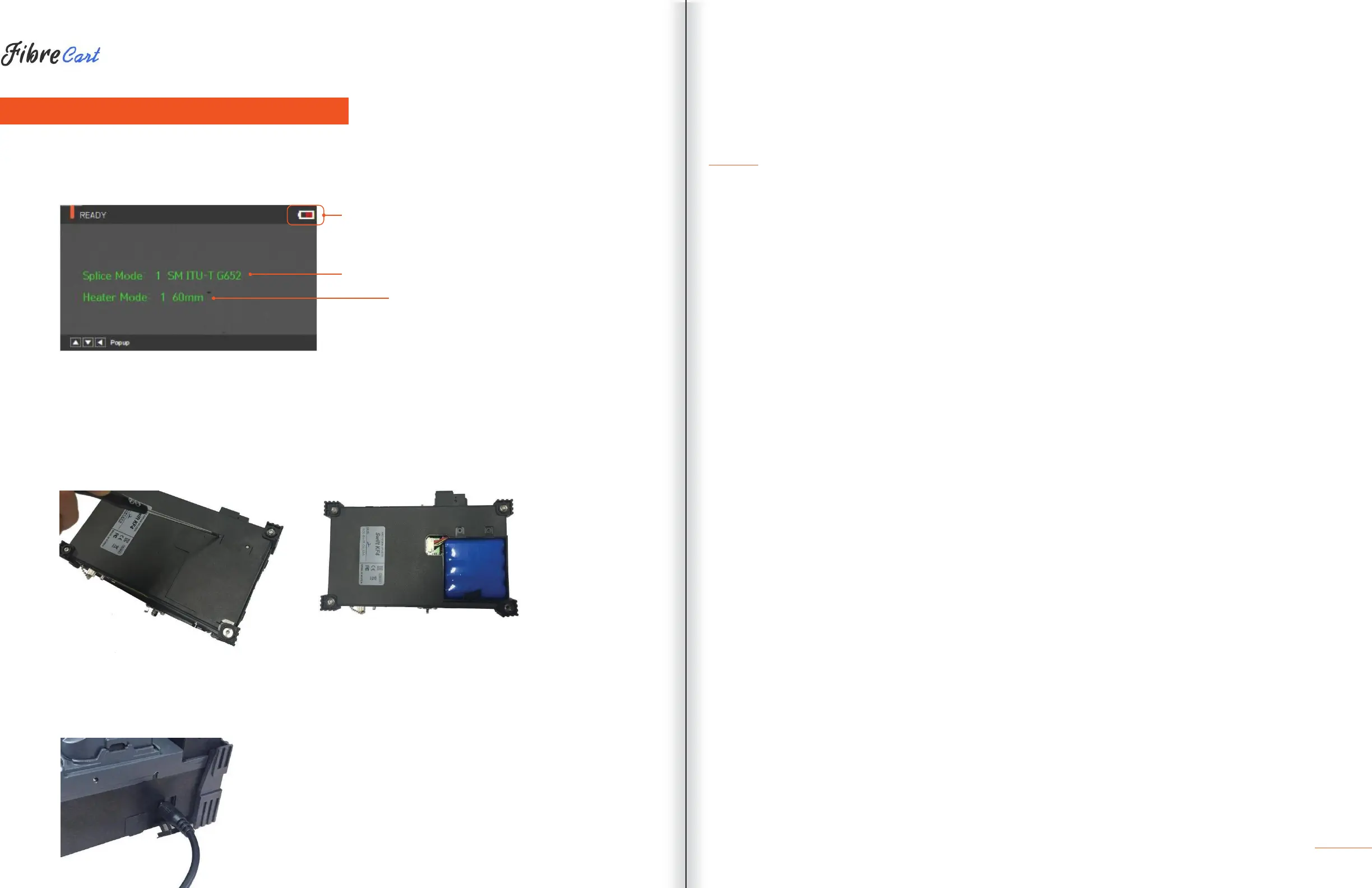
The following is the KF4’s initial screen. For accurate splice results, splice mode and heater mode should be
selected. Basic information about the KF4 is displayed on the initial screen. Check that the proper mode is
selected before splicing.
|
BATTERY STATUS INDICATOR
|
CURRENT SPLICE MODE
|
CURRENT HEATER MODE
4.1
| POWER SUPPLY
The battery pack is built into the battery chamber. Loosen the bottom-cover bolts and exchange the battery.
Please be cautious when you detach the battery from the chamber.
4.1.1
BUILT IN BATTERY
4.1.2
BATTERY CHARGING
Before connecting the AC/DC charter’s DC cable to the DC jack of the battery to charge the battery, make sure
you check the voltage and frequency. When the battery is fully charged, the LED will turn green and power is
disconnected, activating protection circuit to avoid overcharge. The power is turned back on as the battery
needs to be charged. Charging resumes when the charger’s DC cable is connected to the battery’s DC jack.
9



 To Next Page