POPUP MENU
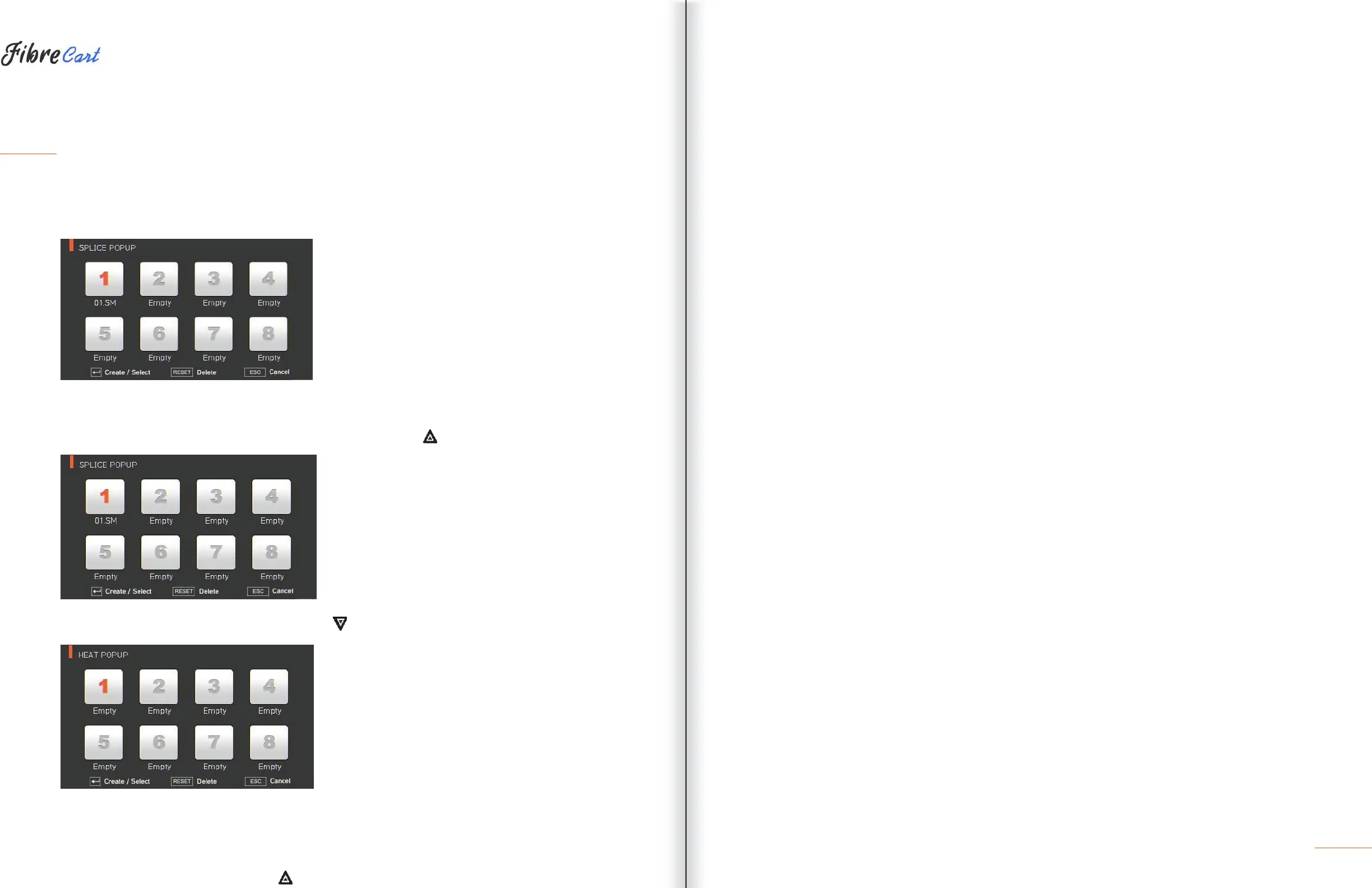
The purpose of the popup menu is to facilitate quick, easy access to the splice mode and heater mode. The
user can access the popup menu in various ways.
[Displaying popup menu]
1| Splice popup menu can display the current splice mode by pressing on the initial screen.
2| Heater popup menu can be displayed by pressing on the initial screen.
[Splice popup menu]
ADDING SPLICE MODE
1| Display splice popup menu by pressing on the initial screen.
19



 To Next Page