7.3
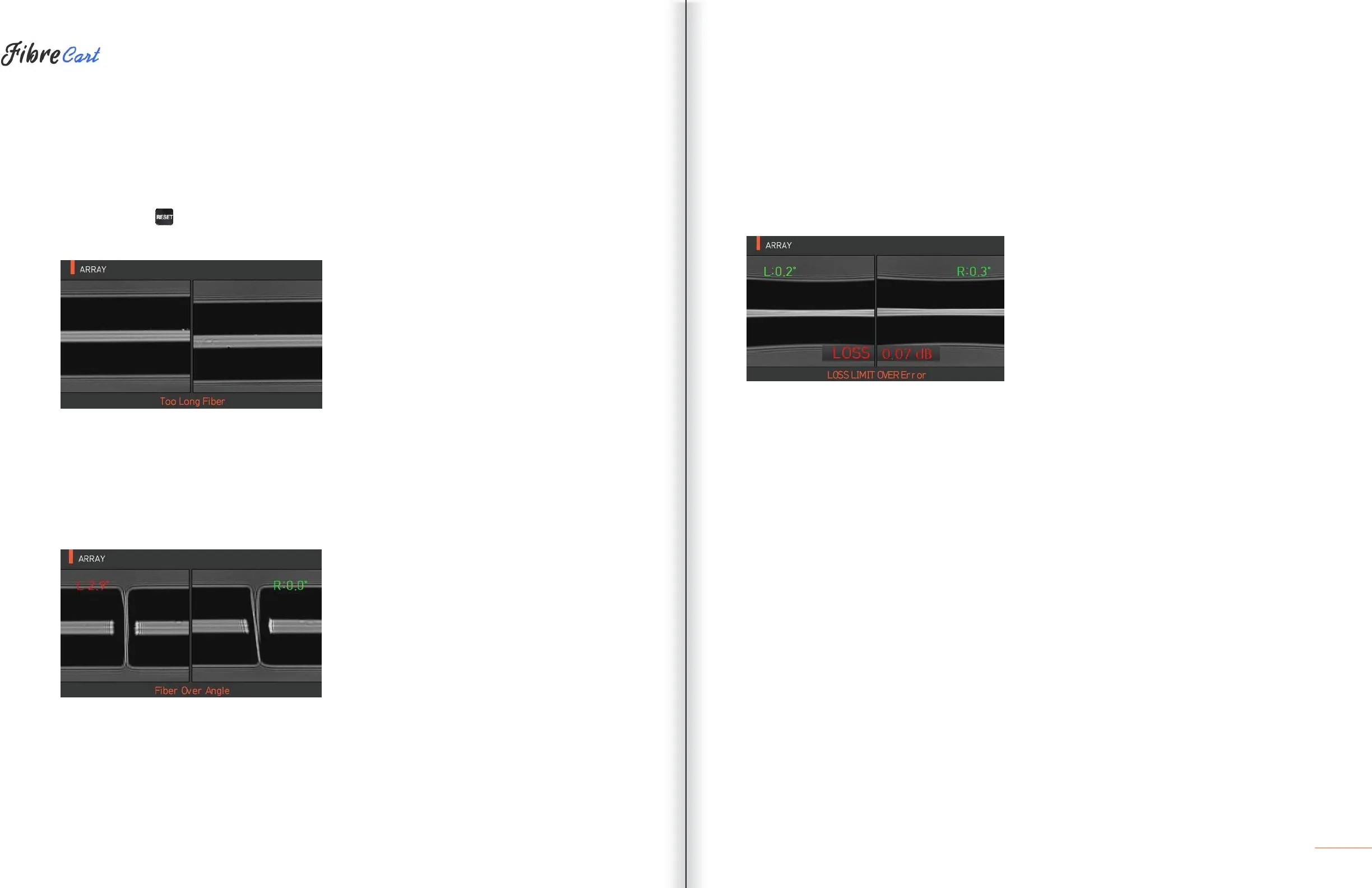
| TOO LONG FIBER
Error message generated when the fiber is located too close to the electrodes, object lens or reflector is dirty,
or the LED is not bright enough.
SOLUTION: Press and reposition fiber. Clean the object lens and reflector. Conduct an LED test. If an error
occurs upon performing the LED test, contact UCLSWIFT.
7.4
| FIBER OVER ANGLE
Error message generated when the cleaved angle of the fiber is higher than specified.
SOLUTION: Check the state of the fiber cleaver. Check the cleaved angle limit.
7.5
| LOSS LIMIT OVER
Error message generated when the estimated loss value is higher than the preset loss factor limit.
SOLUTION: Check the loss factor limit.
7.6
| FIBER THIN ERROR
Error message generated when the spliced point becomes thinner than the standard after splicing.
SOLUTION: Make an adjustment to shorten the pulling length of the pulling splice. Check whether the arc
amount or arc time is set as too large or too long.
7.7
| FIBER THICK ERROR
Error message generated when the spliced point becomes thicker than the standard after splicing.
SOLUTION: Reduce the overlap set value. Check whether the arc amount or arc time is set as too small or
too short.
7.8
| BUBBLE ERROR
Error message generated when there are bubbles or spots being generated on spliced point after splicing.
SOLUTION: Examine the fiber cleaver. Clean the V-groove. Examine the electrodes.
7.9
|
CLEAVED SURFACE ERROR
Error message generated when the cut surface of the fiber is of poor quality.
SOLUTION: Check the condition of the fiber cleaver. Re-cleave the fiber.



 To Next Page