iLuv | 4iCM10/15/20 | V10M10_IM_EN_08112010
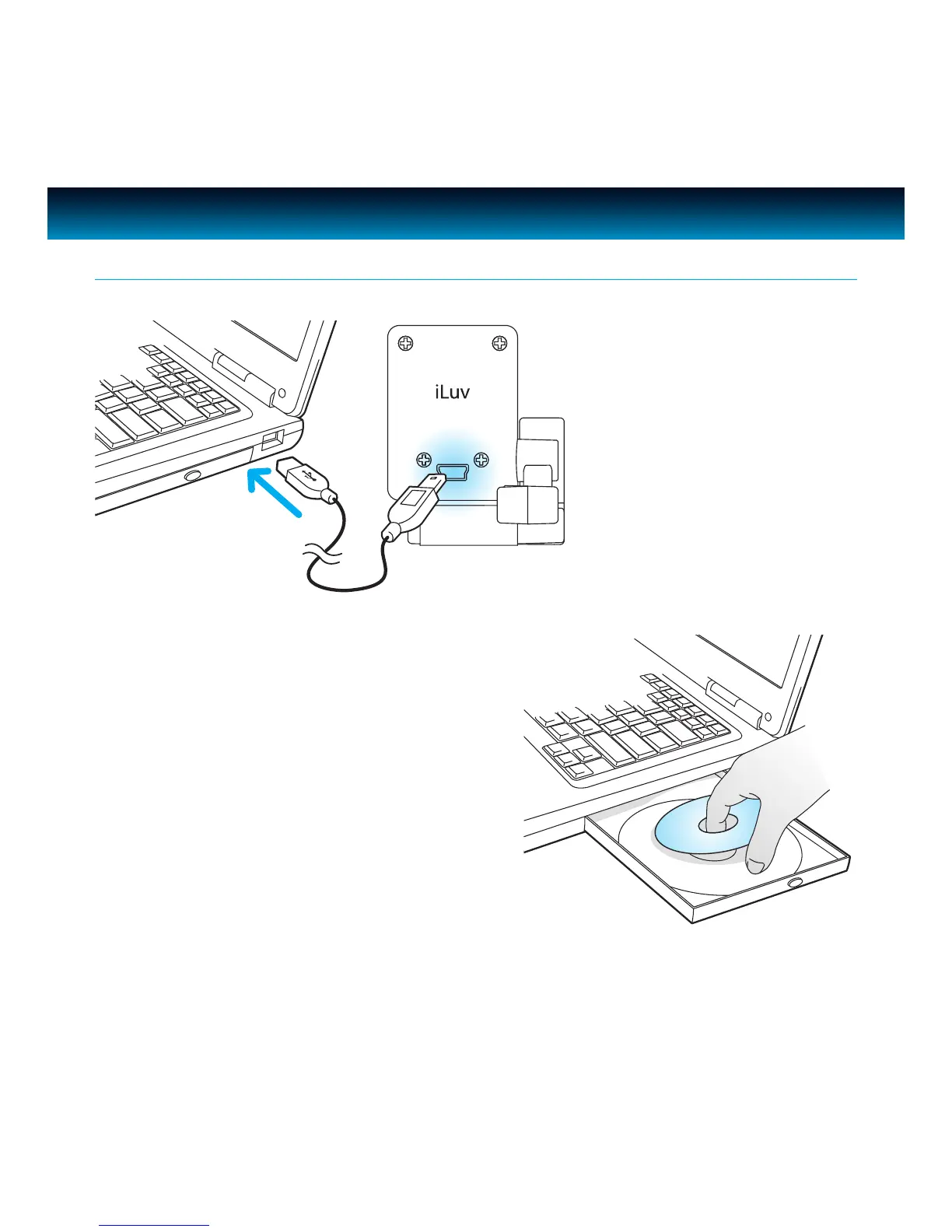
2. Webcam is plug and play, therefore software
installation is only neccessory for use of
ManyCam special eects. Insert the installation
CD into your CD-ROM/DVD-ROM drive and
Install the software according to the screen
prompts. If prompted to do so, restart your
computer after installation.
GETTING STARTED
Installation
1. Plug the Webcam into the
USB port on your PC or
notebook computer. Live
pictures will begin to be shown
in the view window.



 To Next Page