iLuv | 6iCM10/15/20 | V10M10_IM_EN_08112010
OPERATIONAL INSTRUCTIONS
Video Format
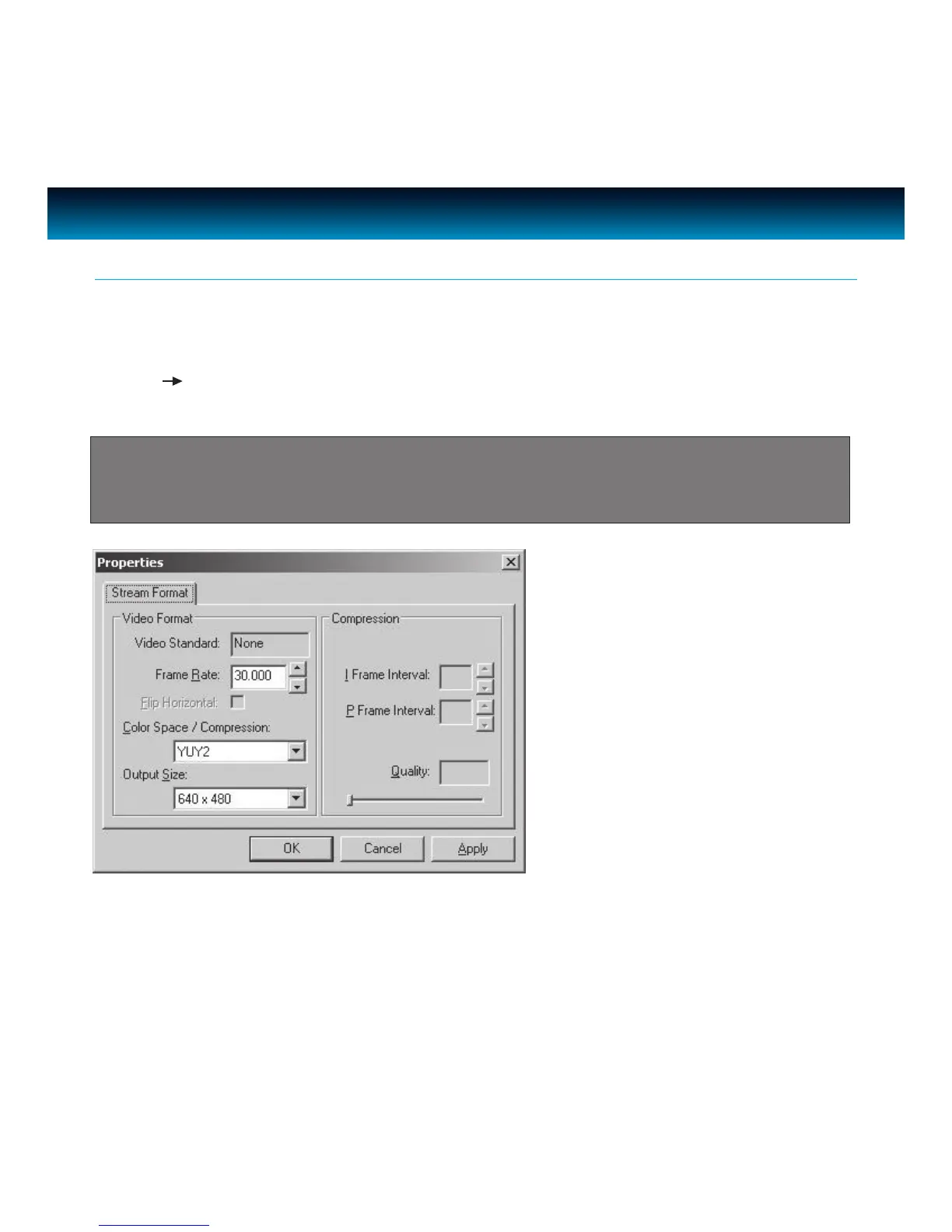
The Video Format dialog box in instant messenger applications allows you to control the size and
color of the image provided by your camera. The following dialog box will appear when you select
Options Video Capture Pin from within Amcap. Please note, other graphic applications should
also have a settings window with similar controls.
Camera Settings
Note: In most cases, in order to change video settings in instant messenger applications, it is
necessary to nd a Webcam Setup under Options in an instant messenger application. Please
refer to the website of your chosen application provider for detailed information.
Items in the above Video Format window are described as:
· Frame Rate – this setting controls the frame rate of the image or video. The higher the frame
rate, the larger the le size.



 To Next Page