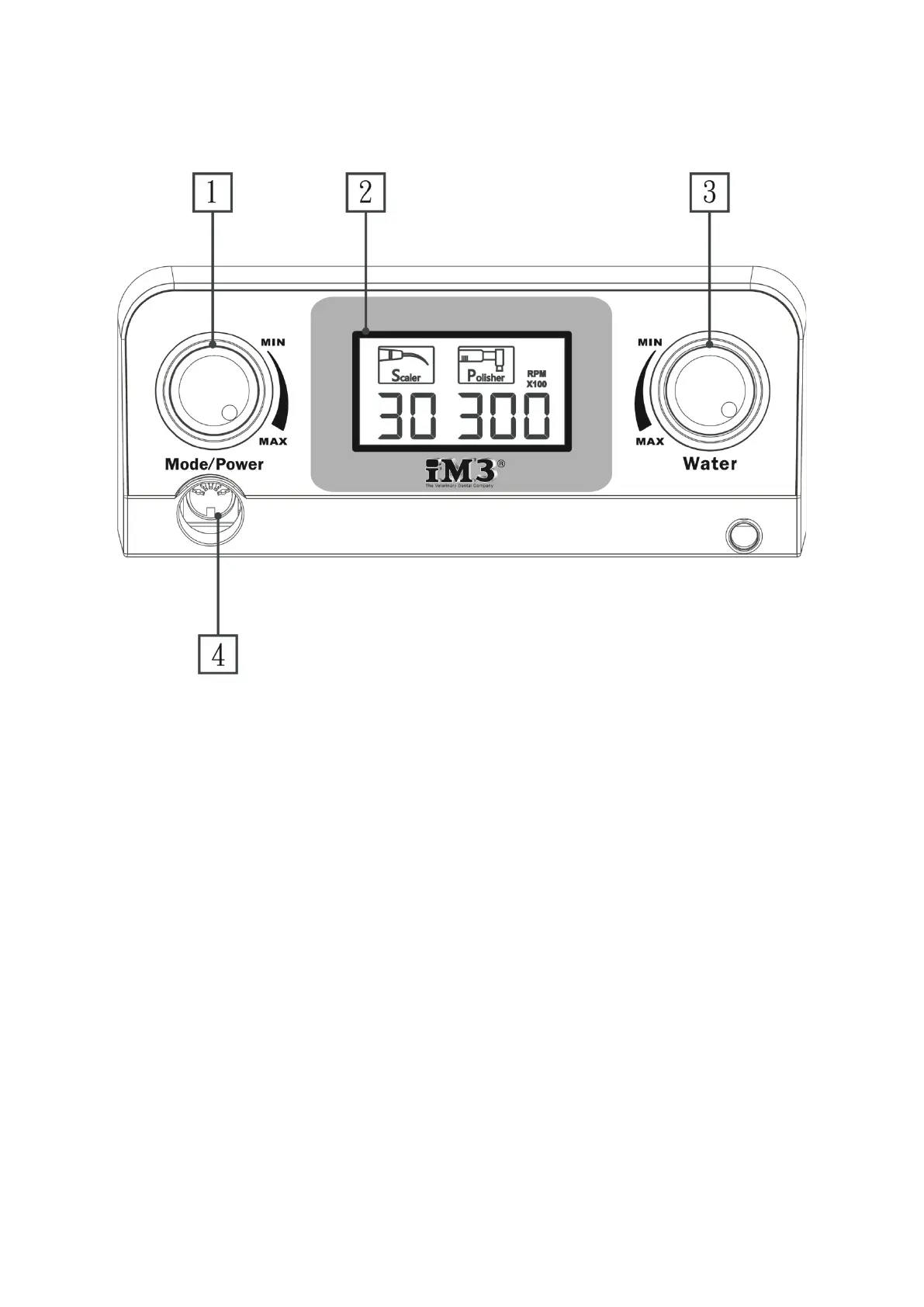
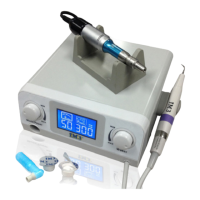
The function of each button or knob on the control panel is detailed below.
Figure 8. ART-SP6 Front-panel
1. Mode/Power control knob
The Mode/Power Control Knob is use to switch between polishing and scaling mode and
control the power in scaling and/or polishing mode. When the power is switched on, the
unit will start in scaling mode. Push the knob to switch polisher mode.In scaling mode, turn
the knob to adjust the scaling power from 1 to 50.In polishing mode, turn the knob to adjust
the micro-motor speed from 30 to 300 (x100 R.P. M.) .
2. Digital Display
When the power is switched on, you should see a 10 second countdown on the screen as the
system loads scaling mode. The most recent settings will also be displayed on the screen.


 To Next Page