Need help?
Do you have a question about the ImaxRC B3 Pro and is the answer not in the manual?
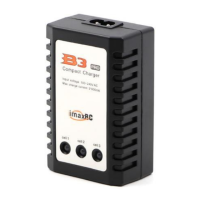
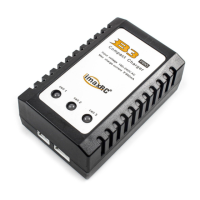
Connect the B3 Pro charger to power. Power LEDs should turn from red to green, indicating proper function.
Connect the battery to the 3s balance port. LEDs turn red, and charging begins. A green LED indicates a cell is done.
Charging for the 3S battery pack is finished when all three power LEDs turn green.
 General
| Brand | ImaxRC |
|---|---|
| Model | B3 Pro |
| Category | Battery Charger |
| Language | English |

 To Next Page