03
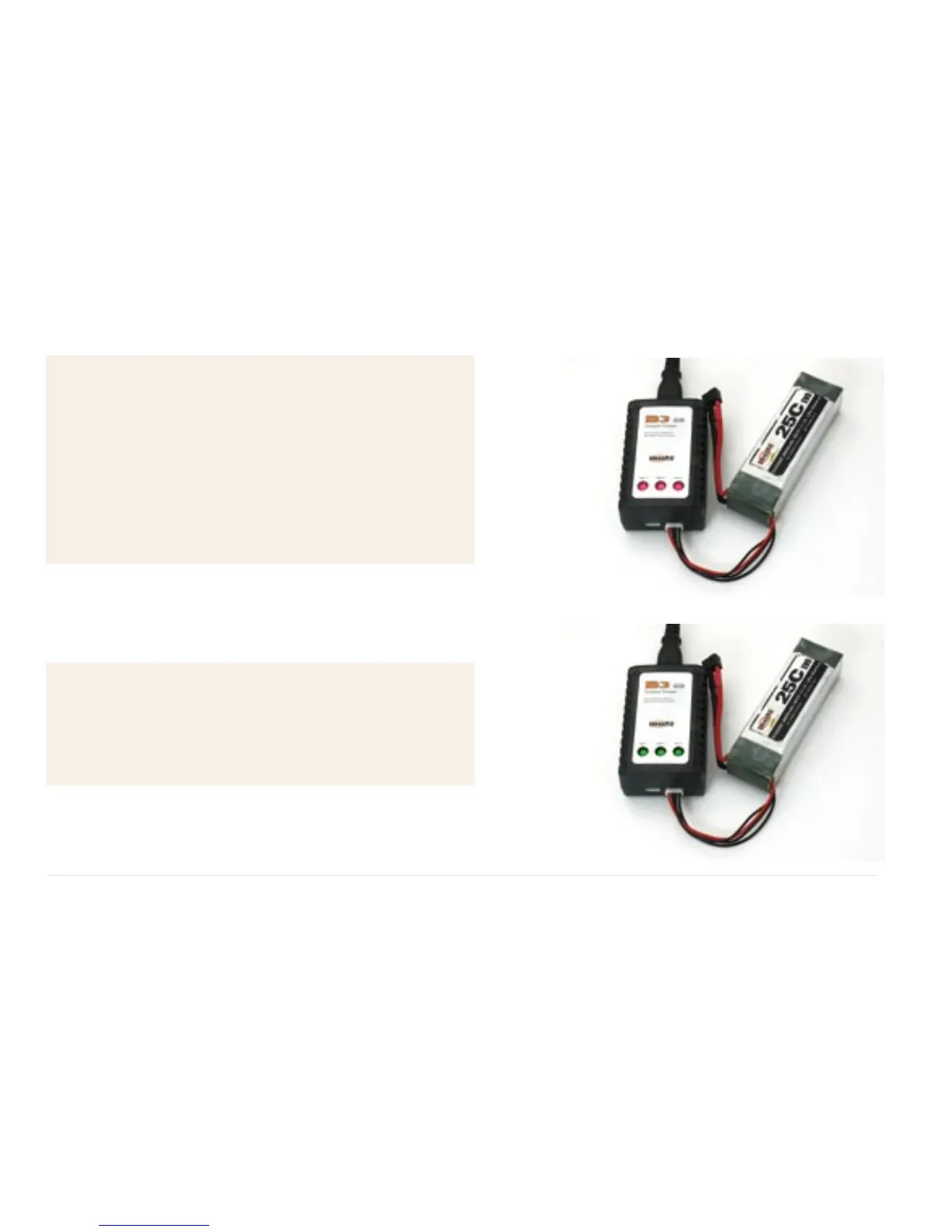
2. (Set 3s battery pack for example)
Secondly, please connect the battery pack
to 3s balance port , while the three power
LEDs will all turn into red and charging
begins. Please note once the charging of
one cell is done, the corresponding power
LED for it will turn green.
3. When the three power LEDs all turn
green, the charging for 3S battery pack is
finished.


 To Next Page