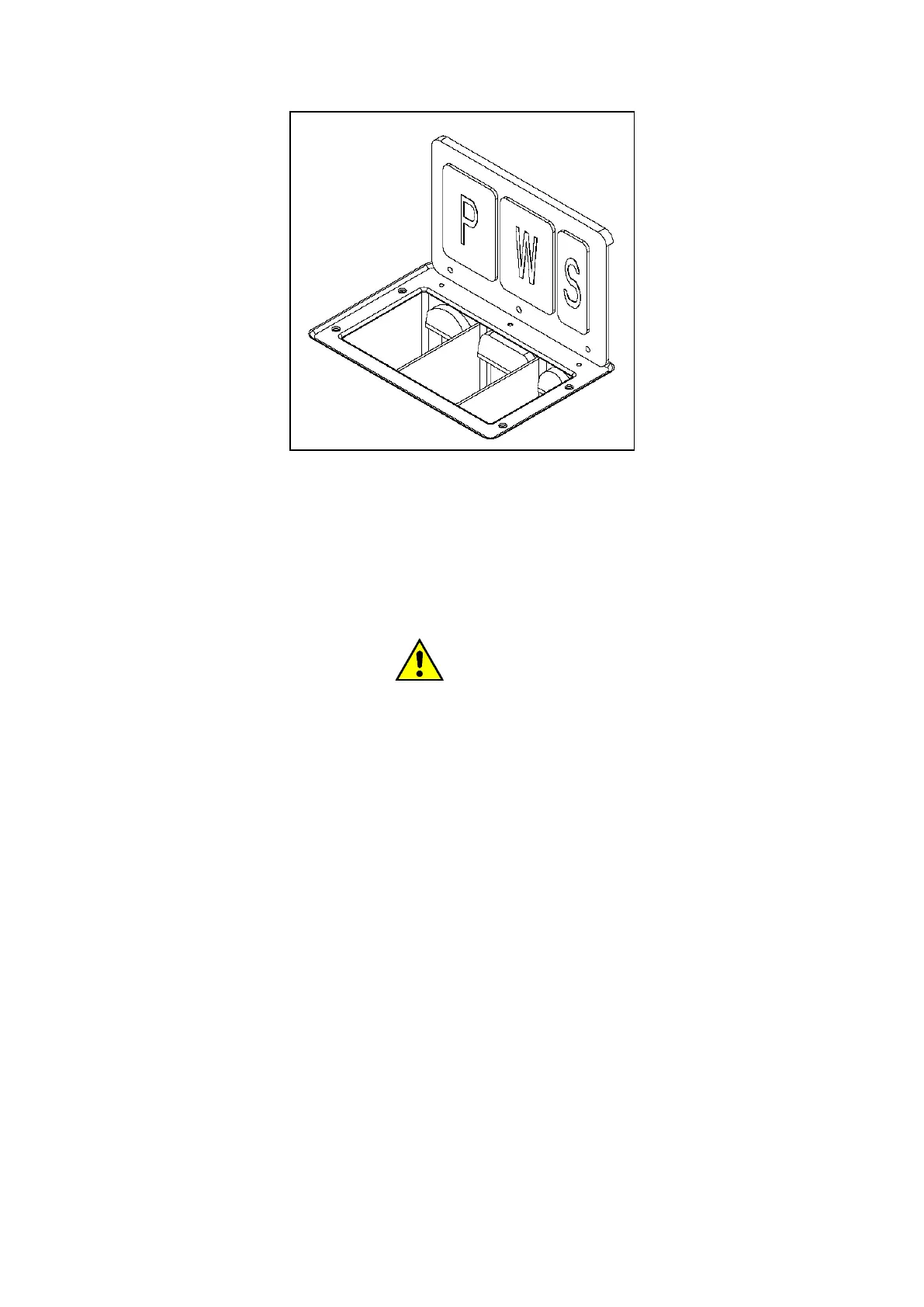
In larger machines, the metal door opening highlights 4 jugs for loading powdered or liquid detergents.
Please note that the moments of loading of detergent and the durations of activation of the corresponding
valves, are programmable.
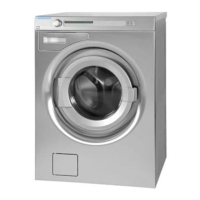
With point 2 it is identified at the control area that corresponds to the computer display, and with point 3, the
USB type A communication port.
Element 4 is the emergency fungus (where present).
ATTENTION!
The emergency button (if present), when pressed, acts in stop mode category = 1: removing the power to the
command. In this case, the display turns off and the cycle is automatically interrupted: the basket, in case it had
been in rotation, stops inertially; the tank is emptied.
The emergency mushroom should be pressed only if you must face a dangerous situation.
When the danger situation is overcome, the emergency button can be reset, making it rotate clockwise: the
display turns on and any previously interrupted cycle remains on standby and the following possibilities are
provided:
- resume the previous program from the cycle that had been interrupted.
- abort the program permanently.
Point 5 identifies the loading porthole of the machine. See in the following paragraphs the characteristics of the
different types of portholes that can equip the different models of washing machine.
Finally, step 6 locates the main switch.



 To Next Page