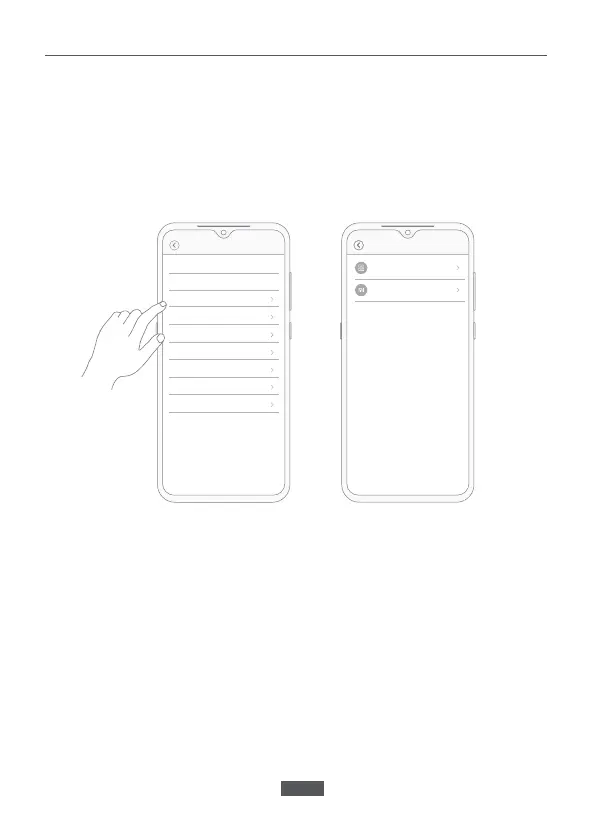
Sharing a Video
In the control interface for IMILAB EC5 Floodlight Camera in the Mi Home
app, you can set the device as a shared device in the settings menu and
invite others to watch the recordings. Users must download the Mi Home
app and login to their Xiaomi account in order to view the recordings of the
shared device.
Note:
The illustrations are for reference only. The pages may differ based on actual
Mi Home app version and mobile phone operating system.
Share group
Check for firmware updates
Rename IMILAB EC5 Floodlight...
Security settings
Share device
Remove device
Add Home screen shortcut
Feedback
Network info
Share with Mi Account
Share manage
Share...General settings
EN-08


 To Next Page