Connecting the Device
Turn on the camera
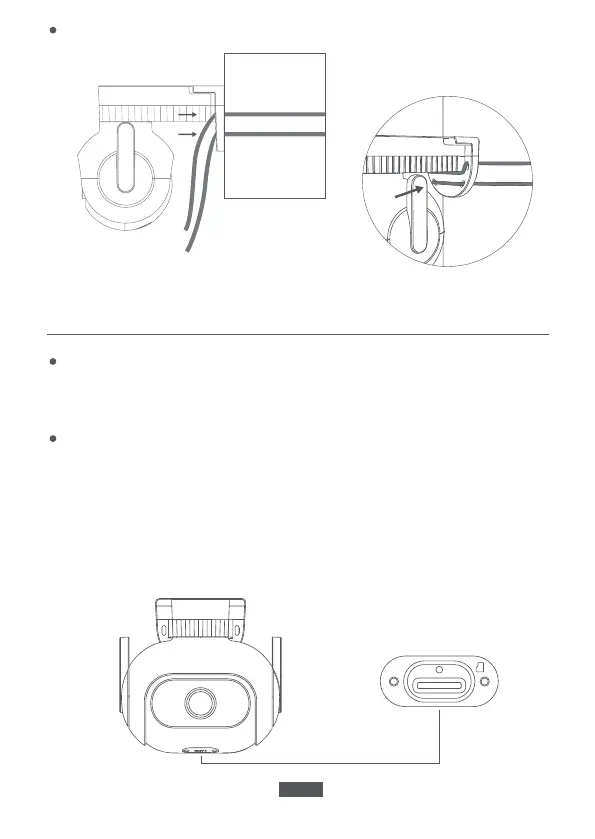
Insert the power supply cable into the camera's power supply port.
Connect the other end of the power supply cable to a power source.
Insert a micro SD card.
Ensure that the camera is disconnected from the power supply. Use a
screwdriver to remove the protective case and expose the micro SD card
slot.
The contact points of the micro SD card should be facing down. Insert the
micro SD card into the slot.
Pole mounting
EN-04


 To Next Page