2.7 Sending!an!email.!!
-!Touch!the!pen!icon !fro m!the!Inbox!scre en.!
-!Enter!the!recipients!email!address!in!the!To!field.!
-!If!required,!tou ch !t h e!popup !m e n u !(dow n !arrow )!ico n !Add!
Cc/Bcc.!
-!Enter!the!subject!and!the!content!of!the!message.!
-!Touch!the!paperclip!icon!to!add!an!attachment.!
-!When!finished!press!the!send!icon!to!send!the!email.!
-!To!add!a!signature!to!emails,!touch!the! !!ic o n,!t o uc h !Settings!
from!the !Inbo x,!choose!an!account,!then!select!Mobile!Signature.!
!
2.8 Receive!and!read!emails!
When!you!receive!a!new!email!you!will!get!a!notification!by!either!
a!ringtone!or!vibration!and!an!icon!will!be!displayed!on!the!Status!
bar.!Drag!down!the!Status!bar!to!display!the!Notification!panel.!
Select!the!new!email!to!view!it.!You!can!also!view!the!email!via!
the!Gmail!app .!!
!
3 Phone!Calls!!
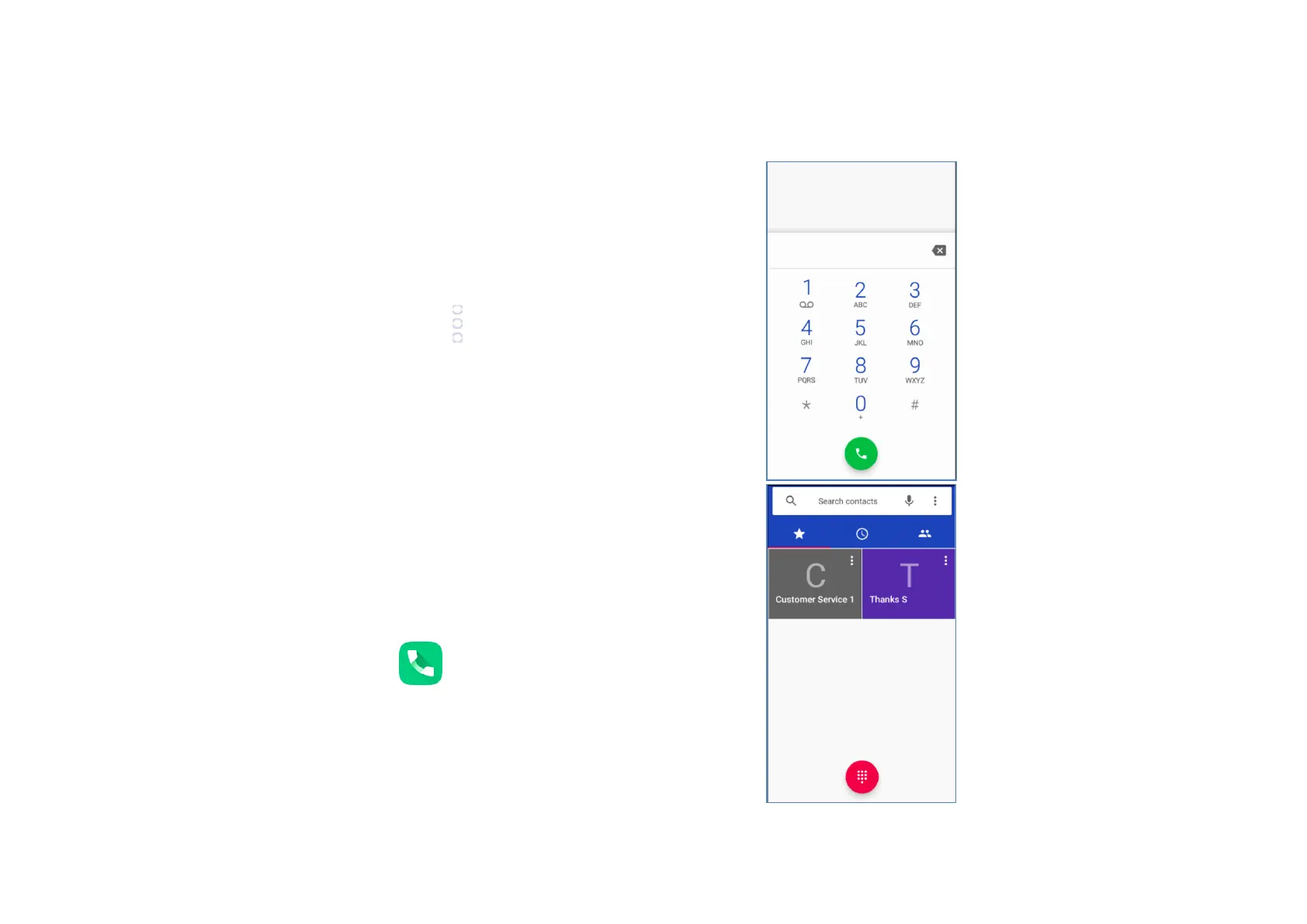
3.1 Making!a!call!
To!make!a!call!when!the!phone!is!active,!go!to!the!Home!
screen!and!touch!the!phone! !icon!in!t h e!F a vo u rite s !
tray.!Enter!the!phone!number!you!want!into!the!dial!pad!
directly!by!touching!the!dial!pad!in!the!centre!or!bottom!right!
of!the!screen!or!select!contact!from!Favourites,!Recent,!
Contacts!by!touching!tabs,!then!touch!( p h o n e !ic o n)!to!
activate!the!call.!!
!
!
!
!



 To Next Page