!
!
!
!
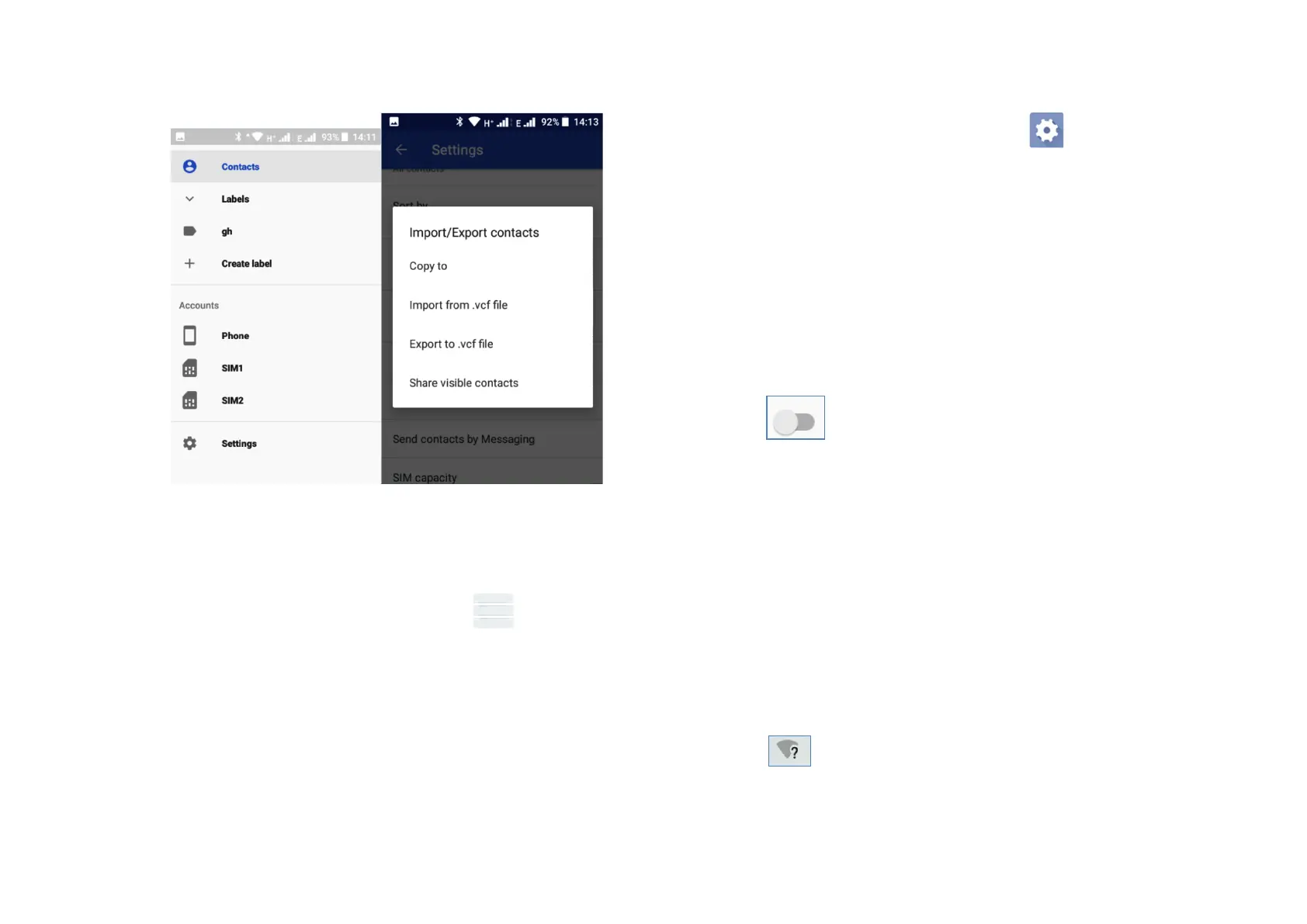
4.5 Displaying!contacts!
You!can!decide!which!group!of!contacts!you!want!to!display!
in!the!Co n ta ct !list .!T ou c h !th e !Menu!key! !then!touch!
Settings,!then!Contacts!to!display!from!the!Co nta cts!list!
screen,!then!you!can!choose!which!con tacts!to!display.!
!
4.6 Synchronising!contacts!in!multiple!accounts!
Contacts,!data!and!other!information!can!be!synchronised!
across!multiple!accounts!depending!on!the!apps!installed!on!
your!phone.!To!add!an!account!touch! !icon!on !t he !Quick!
Settings!bar!to!get!to!Settings,!then!touch!Accounts.!Select!
the!accoun t!you !are!ad d ing!su ch!as!Google,!Exchange.!As!with!
other!account!set-ups!you!will!need!to!enter!information!such!
as!username,!password!etc.!!
!
You!can!remove!an!account!and!all!associated!information!
from!the!ph on e.!O pe n!th e ! Se ttings!screen,!touch!the!a c c o u n t !
you!wish!to!delete!then!touch!REMOVE!ACCOUNT!to !con firm .!
!
You!can!synchronise!an!account!on!Accounts!screen,!touch !
!beside!Automatically!sync!data.!
!
5 Wi-Fi!
You!can!connect!to!the!internet!when!your!phone!is!in!range!of!a!
wireless!network.!Wi-Fi!can!be!used!on!your!phone!even!if!a!SIM!c ar d !
is!not!inse rt ed .!!
!
5.1!Turn!Wi-Fi!on!and!add!a!Wi-Fi!network!
-!Touch!the!settings!button!in!Quick!Settings!to!go!to!the!Settings!
menu,!then!touch !Network!&!Internet!>!Wi-Fi.!
-!Touch!the!button!to!turn!on/off!Wi-Fi.!!
-!Turn!on!Wi-Fi:!information!reg ard in g !a ll!n ea rb y!d e te c te d !
networks!is!displayed!in!the!Wi-Fi!networks!section.!!!!!!!!!!!!!!!!!!!!
The! symbol!will!show!when!there!are!open!available!
networks!to!connect!to.!



 To Next Page