!
!
!
!
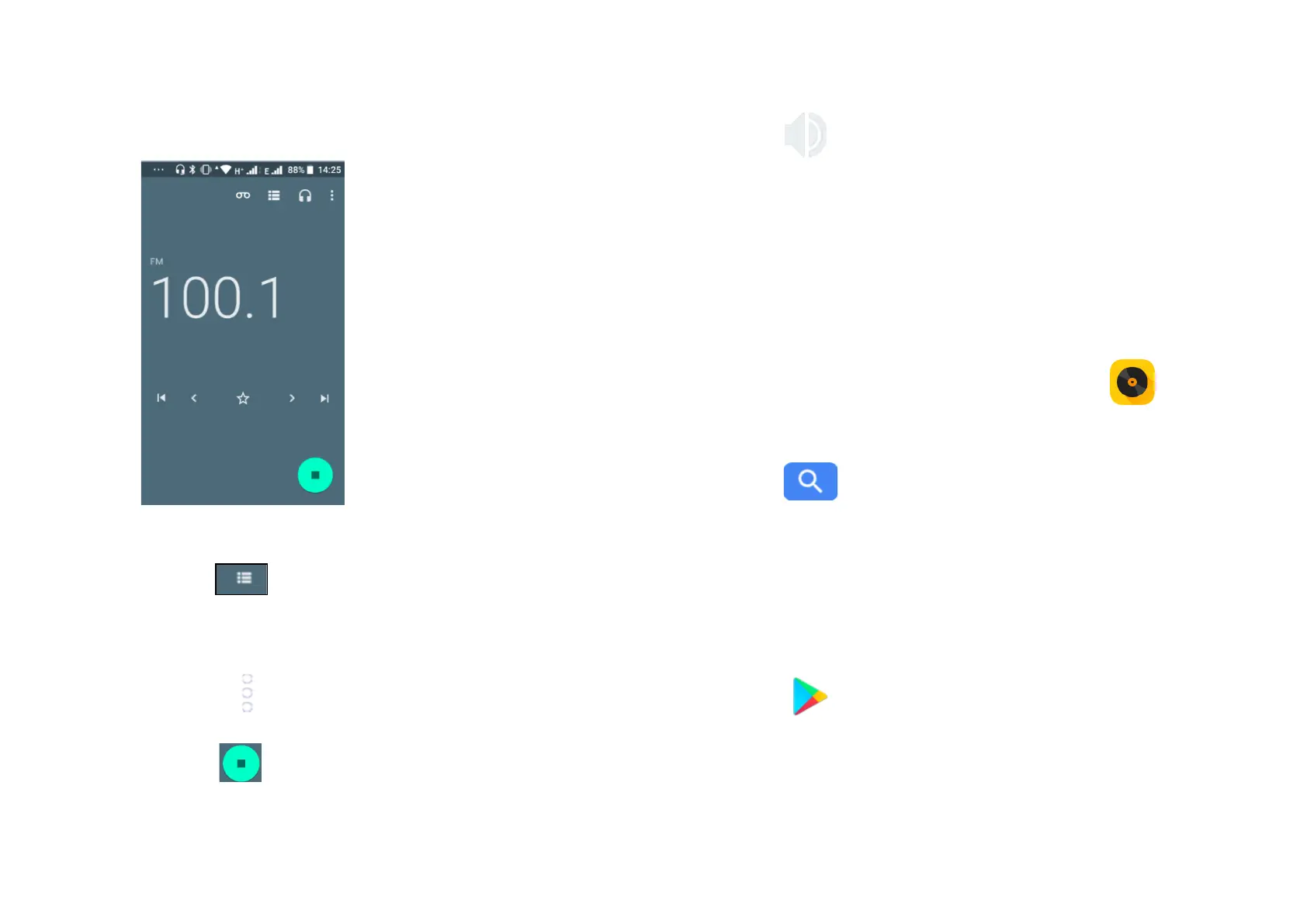
- Touch! !and!automatic!scanning!search!is!activated!for!FM!
channels.!You!can!use!the!buttons!in!the!lower!of!the!screen!to!
move!ahead!and!back!through!channels.!!
- Touch!the!star!icon!to!save!a!channel!to!fa vou rites.!
- Touch!the! !icon!when!listening!to!the!radio!and!you!can!start!
recording!or!listen !to!pre viou s!reco rd ings.!!
- Touch!! !!to!close!the!radio.!!
- Touch! !icon!and !th e !rad io !will!play!out lo ud . !
- To!listen!to!FM !ra d io !in !th e !background!touch !the!b ack !key!and!
you!will!be!returned!to!the!phone!menu!and!can!use!other!
applications!while!you!listen!to!the!radio.! !
!
13 Music!!
Using!this!menu,!you!can!play!music!files!stored!on!the!microSD!card!
and!on!your!phone.!Music!files!can!be!downloaded!from!computer!to!
microSD!card!using!a!USB!cable.!To!access!this!function,!touch!the!
Application!tab!from!the!Home!screen,!then!touch!Music .!!
You!will!find!five!categories!in!which!a ll!song s!are !class ified:!A rtists,!
Albums,!Songs,!Playlists!and!Folders.!Slide!left!and!rig h t!to !vie w !all.!
Touch!the! button!to!find!specific!music!you!wish!to!play.!
!
14 Google!Play!Store!
Google!Play!store!is!an!online!software!store!where!you!can!
download!and!install!applications!and!games!to!your!android!
powered!phone.!!
To!open!Google!Play!Store:!
- Touch!the!Application!tab!form!the!Home!screen,!then!touch!Play!
Store! !
- For!the!first!time!you!access!Google!Play!Store,!a!screen!with!
terms!of!service!po p s!up !for!you r!atte ntion ,!touc h!Accept!to!
continue!



 To Next Page