1-5 Before Using the Inverter
1
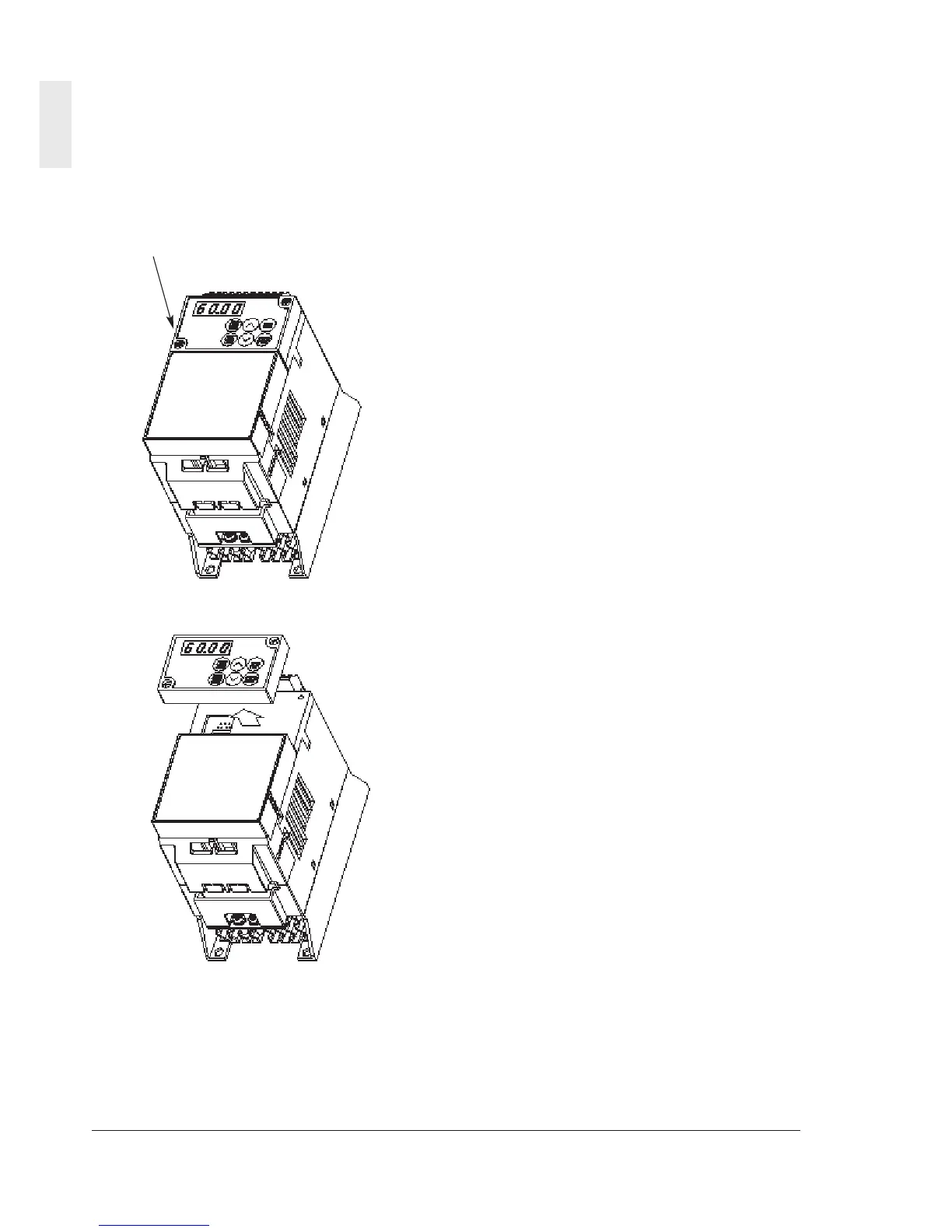
(4) Removing the keypad panel
Loosen the keypad panel mounting screws and
remove the keypad panel in the procedure
shown in Fig. 1-3-4. During the procedure,
slowly remove the keypad panel right toward the
top. If the keypad panel is handled abruptly, the
connector will be broken.
Mounting screw (M3)
Fig. 1-3-4 Removing the keypad panel
Reverse the procedures to mount the terminal
block cover and keypad panel.



 To Next Page