Install the Chime Kit
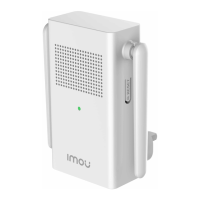
The chime kit is used to regulate power to your existing chime so that your doorbell will function properly.
Before getting started, turn o the power at the breaker, and make sure that no power is going to your doorbell
system.
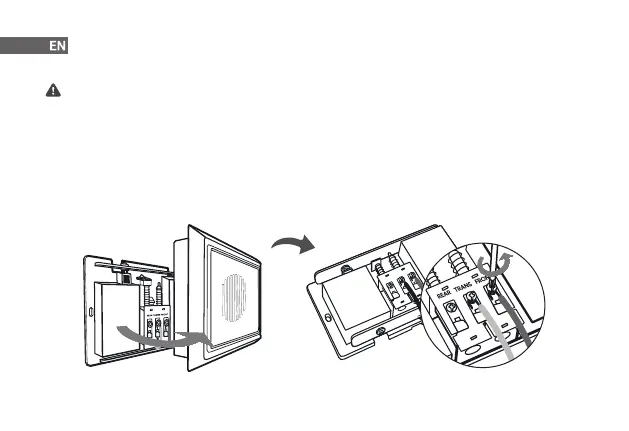
Step 1 Remove the cover of your existing chime box, and then nd terminals labeled as "FRONT" and "TRANS". The
chime might look dierent depending on if you have a mechanical or electronic chime.
Step 2 Loosen "FRONT" and "TRANS" terminal screws. If there are no markings, simply loosen the two terminals that
wires are connected to. Be sure not to detach any connected wiring.
7



 To Next Page