EasyManua.ls Logo

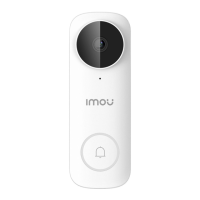
IMOU DB61i - Product Overview and LED Status

IMOU DB61i
16 pages
Print Icon
To Next Page IconTo Next Page
To Previous Page IconTo Previous Page
Loading...
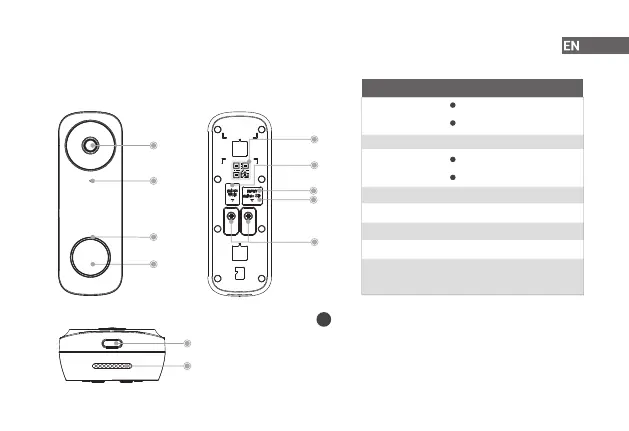
Overview
2
Front View Back View
Bottom View
Lens
Microphone
LED Indicator
Call Button
Speaker
Spotlight/Night Light
Micro USB Port
QR Code
Micro SD Card
Slot
Reset Hole
Power Ports
LED Status Device Status
Operating correctly
Setup successful
Ready to set up the device
Booting/Restarting
Resetting to factory default
Network disconnected
Talking
Motion/Human detected
Calling
Solid green
Solid red
Flashing green
Solid blue
Flashing blue
Spinning blue
Flashing green
and red
Flashing red
Updating rmware
Scan the QR code with Imou Life App to add the device to
your account. Please keep it well for future use.
Function of the QR code
i

Related product manuals