3
Install the Video Doorbell
Step 1 Mark Mounting Holes
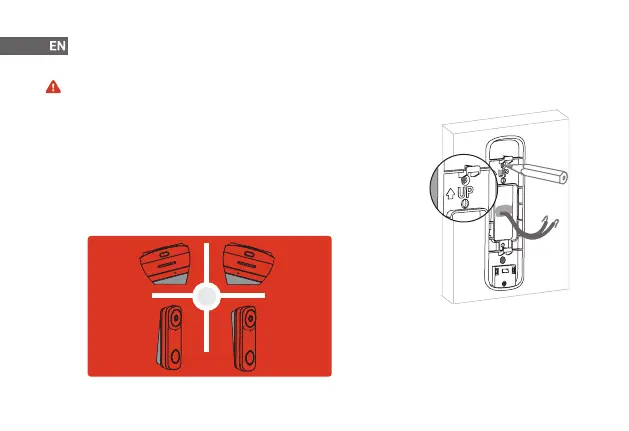
Place the mounting bracket to t your existing doorbell wiring and then use it to
mark the screw holes. Be sure to follow the "UP" direction.
Step 2 (Optional) Attach the Angled Bracket to the Mounting Bracket
Attach one of the angled mounting wedges to the mounting bracket if you want
to adjust the angle of your doorbell for a better view.
Before getting started, turn o the power at the breaker, and make sure that no power is going to your doorbell
system.
OR
15° Left
5° Up 5° Down
15° Right


 To Next Page