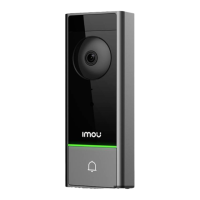
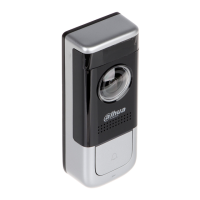
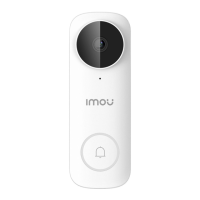
Step 3 (optional) Install the video doorbell. For details, please refer to the doorbell guide.
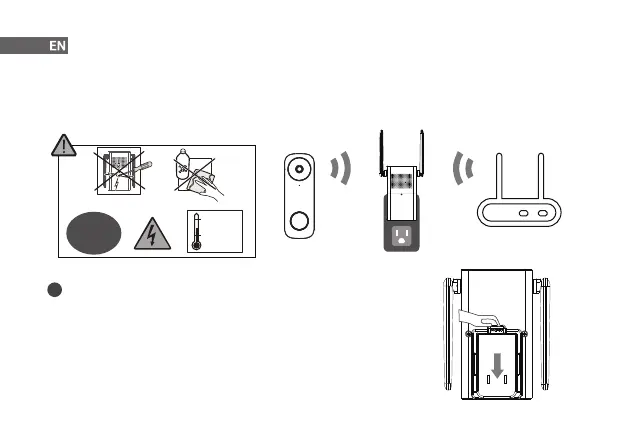
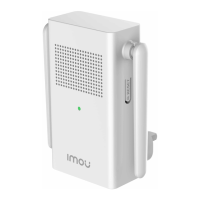
Step 4 Plug your chime into the power outlet where you can hear the ringtone easily, such as the hallway. It is
recommended that the chime is located between the Wi-Fi router and the doorbell. Place them as close
to each other as possible for optimal performance.
How to detach the power pin from the chime
Press the release button and meanwhile slide down the power pin to remove it.
i
3
+50 °C/122 °F
-10 °C/14 °F
90 V-250 V
50/60 Hz
AC


 To Next Page