Installation
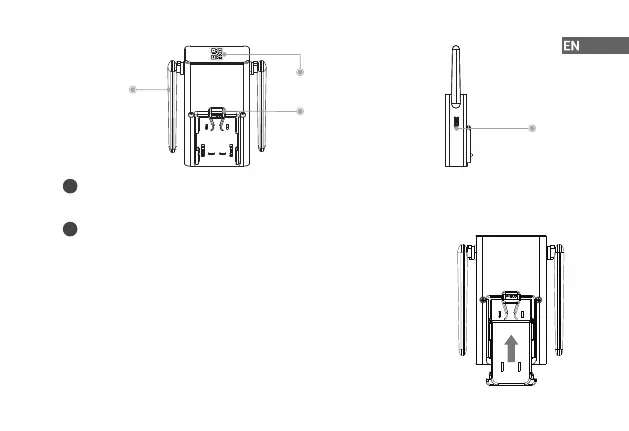
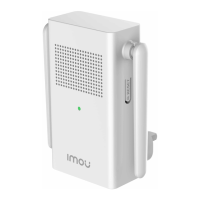
Step 1 Place the power pin onto the rear side of the chime, and then press it
down to t the two parts together.
Step 2 Slide the power pin upwards to secure it. A click sound will indicate that
it is locked in.
2
Antenna
QR Code
Reset Button
Power Pin
Release Buckle
Back View
Side View
Press and hold the reset button for 10 s until the LED turns solid red.
How to reset the chime
i
Scan the QR code with Imou Life App to add the device to your account.
Please keep it well for future use.
Function of the QR code
i


 To Next Page