12
ENGLISH ESPAÑOL FRANÇAIS
OPERATING INSTRUCTIONS
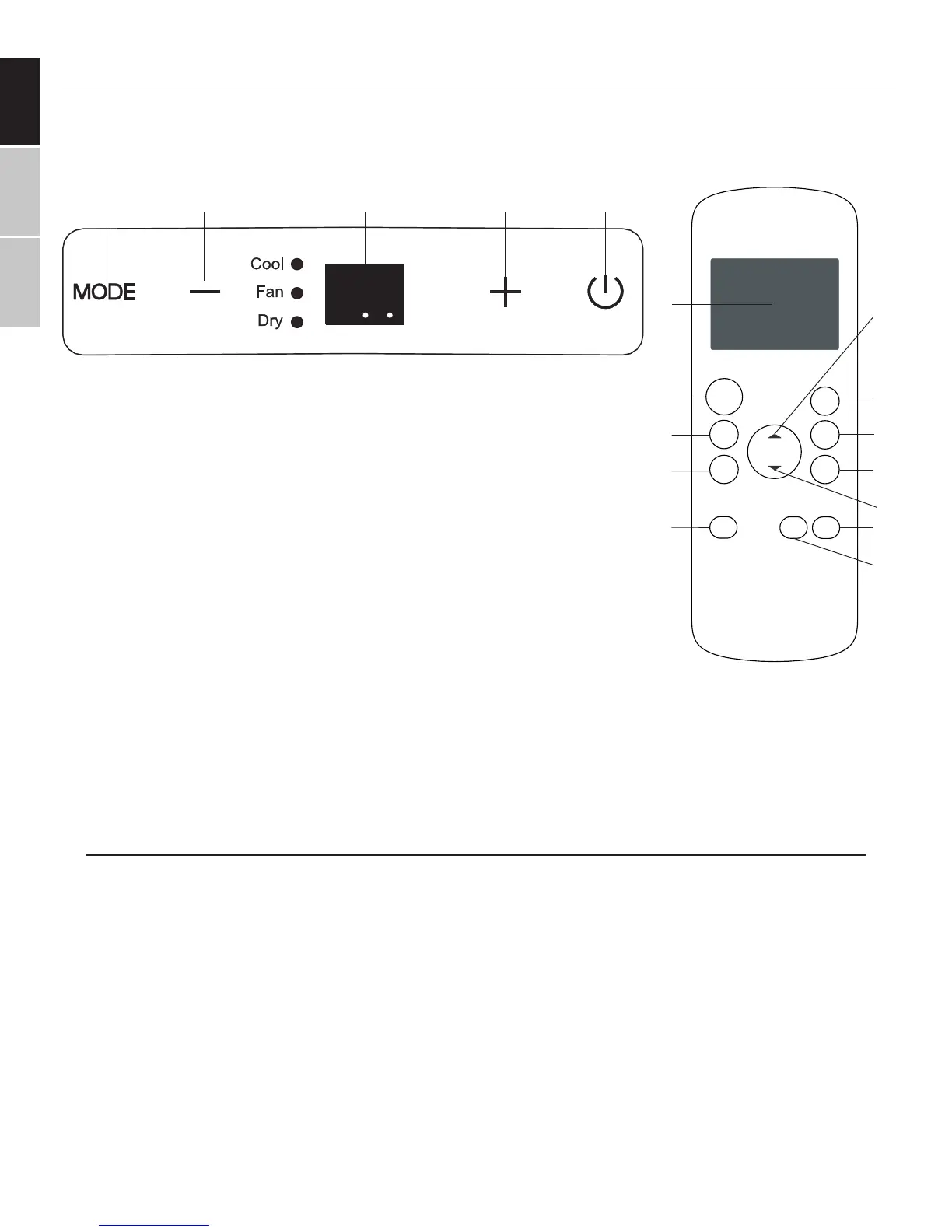
CONTROL PANEL AND REMOTE CONTROLLER OVERVIEW
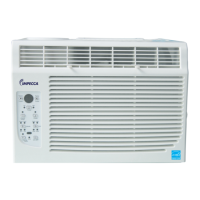
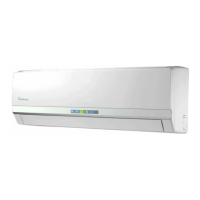
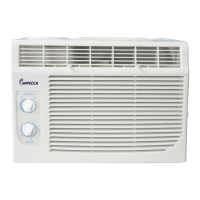
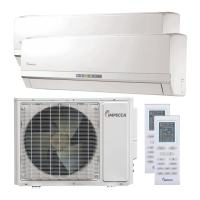
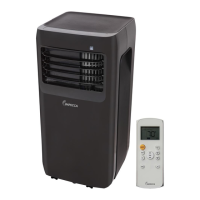
The following diagram and legend shows the functions of both the unit’s control panel and the remote controller.
Some functions are only available on select models.
1) ON/OFF BUTTON
Machine will start and stop when this button is pressed.
2) TEMPERATURE UP BUTTON
Push this button to increase the indoor temperature setting in 2°F increments
to 88°F.
3) DIGITAL DISPLAY
2-Digit LED display for the unit and LCD with additional indicators for the remote
controller.
4) TEMPERATURE DOWN BUTTON
Push this button to decrease the indoor temperature setting in 2°F increments to 62°F.
5) MODE BUTTON
Each time the button is pressed, the operating mode of the air conditioning unit is selected in the following se-
quence: AUTO > COOL > DRY > HEAT* > FAN
REMOTE ONLY BUTTONS
6) FAN SPEED BUTTON
Adjust the machine fan speed from: AUTO > LOW > MED > HIGH
7) SLEEP (ECONOMY MODE) BUTTON
Select this function just before going to sleep. It maintains a comfortable temperature through the night and save
energy. This function is available during COOL, and AUTO modes only.
8) PMTS (FOLLOW ME) TEMPERATURE BUTTON
PMTS means Personal Mapping Temperature Sensor. This feature uses the remote controller to monitor tem-
ON/OFF
TEMP
SHORT
CUT
ON
TIMER
TIMER
OFF
FAN
MODE
SLEEP
LEDPMTS
D
B
F
G
H
I
J
K
E
L
M
C


 To Next Page