12
V. Operation Manual
5.1 Boot auto-play
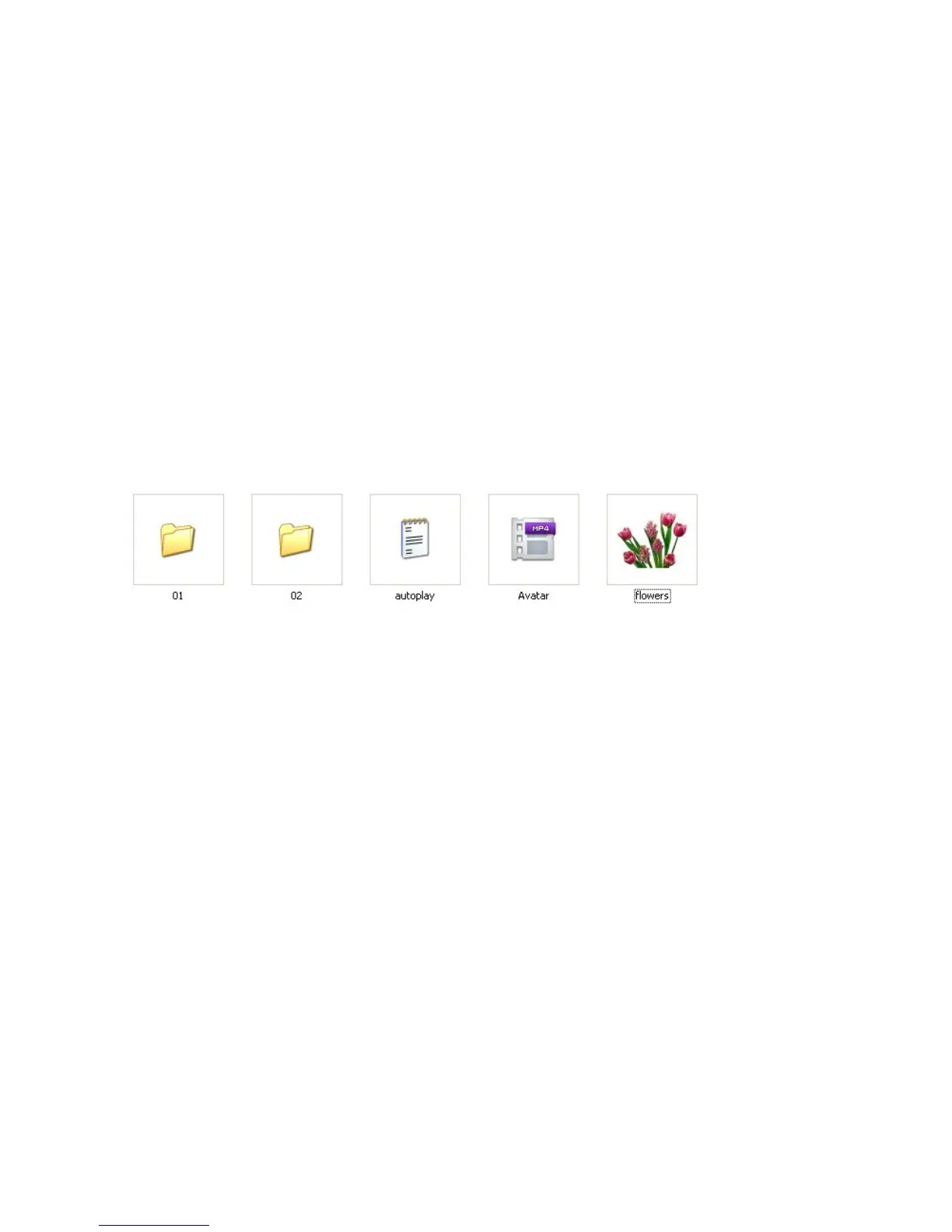
The media player will auto-play all the files in root directory of USB/SD CARD.
But files that stored in the folder can’t be auto-played. The display files can be: video
files, picture files, and audio files.
Play sequence: video→picture→audio.
5.2 Custom control display
User can
define the function of each button. Define in the configuration file “autoplay.txt” as
below
:
Example 1
:
01=01/bird.avi
Instruction
:
Single file playback
(
play file “bird.avi” in folder 01
)
Example 2
:
01=Avatar.mp4
Instruction
:
Single file playback
(
play file “Avatar.mp4” in root directory
)
Example 3
:
02=02/
Instruction
:
Folder files playback (“02” represents folder name in memory card. “/ ” represents
all files in folder)
Example 4
:
01_01=01/
Instruction
:
Loop play files in folder 01



 To Next Page