23
H. Note
“@0:WHO?”: This is a signal that stand-alone media player ask the synchronization console to
confirm if this player is host machine or slave machine. If the player is host machine, it will
synchronize other machine. And if it is slave machine, it will wait for the sync signal. You can turn
off this finding by sending the string “@00:SLAVE$”.
5.5.2 Button control display
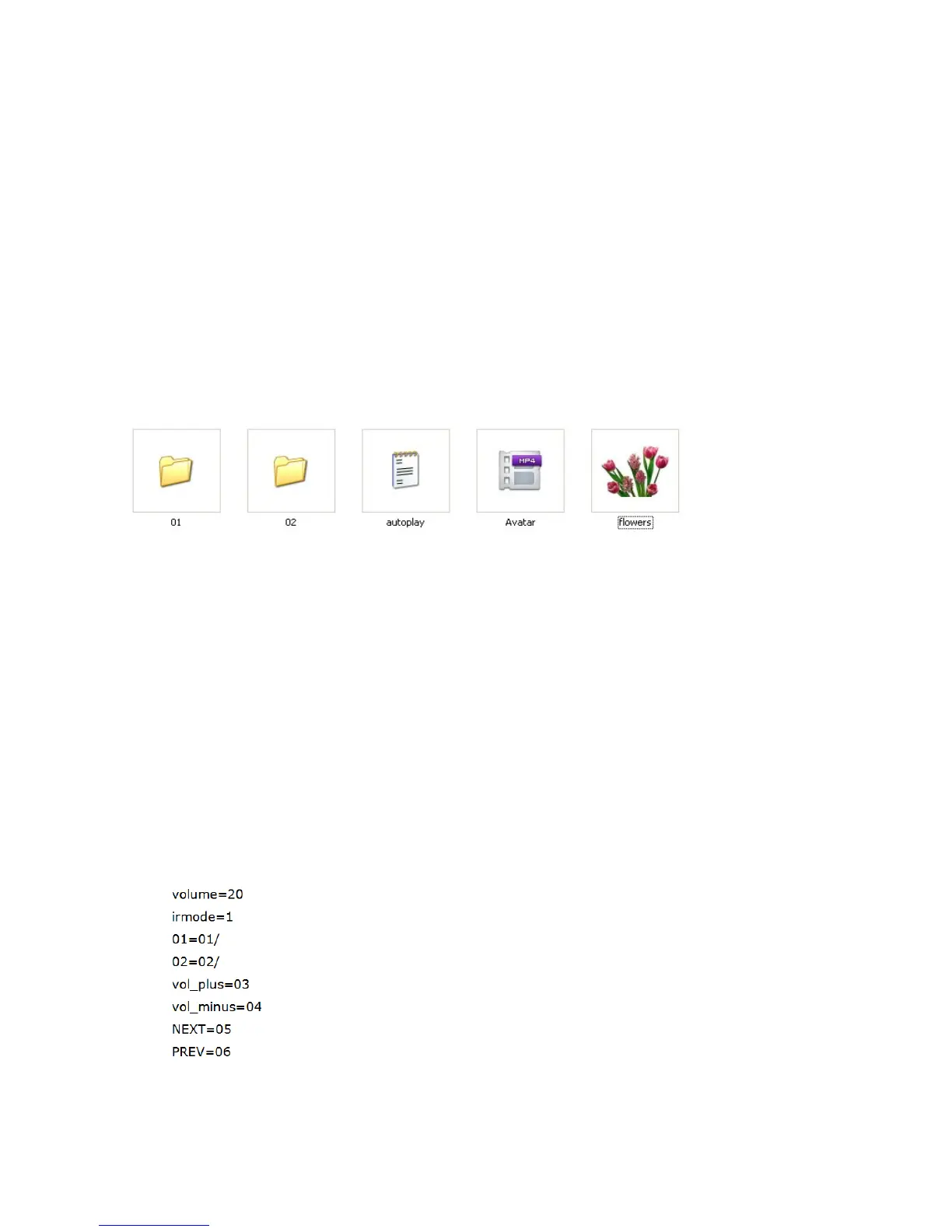
A. Store the displaying files in USB/SD CARD as follows:
a
.
Folder “01”, “02” must be controlled by push buttons;
b
.
“autoplay.txt” is a configuration file;
c
.
“Avatar” and “flowers” are root directory files. They are boot auto-play, or loop play
after playing folder directory files (they can be displayed as homepage files). The
displaying content is from where it broke off.
B. “autoplay.txt” is a configuration file, as follows:



 To Next Page