22
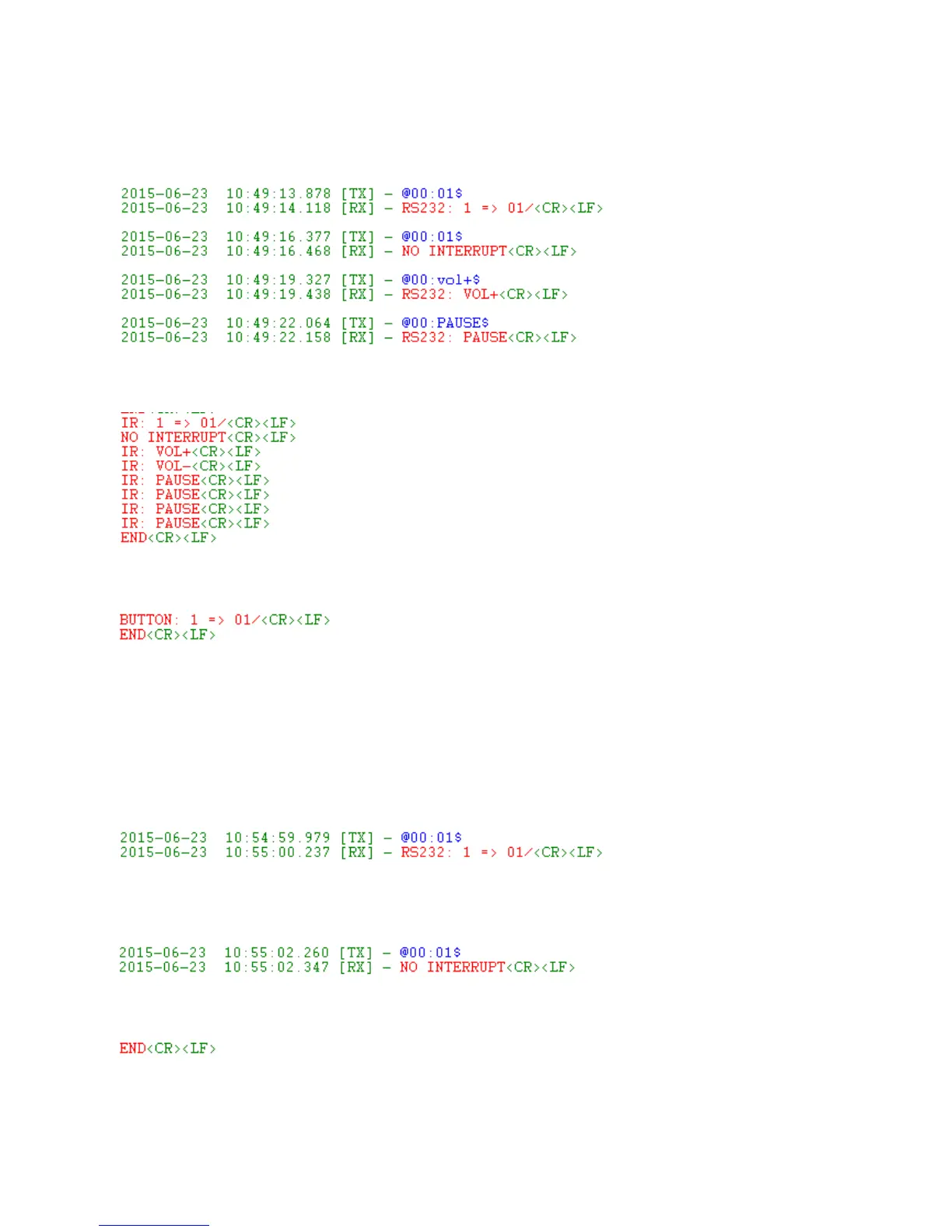
b. RS232 Return Message Format
①
RS232 command format
②
Remote control format
③
Push button control format
c. Description
Here take “RS232 command format” as an example:
①
Send RS232 command “@00:01$”, start to play folder 01, the RS232 Return Message is as
below:
② When folder 01 is displaying, send RS232 command “@00:01$” again, the display content will
not change and RS232 Return Message is as below:
③
When the current file is finished, RS232 Return Message is as below:



 To Next Page