1
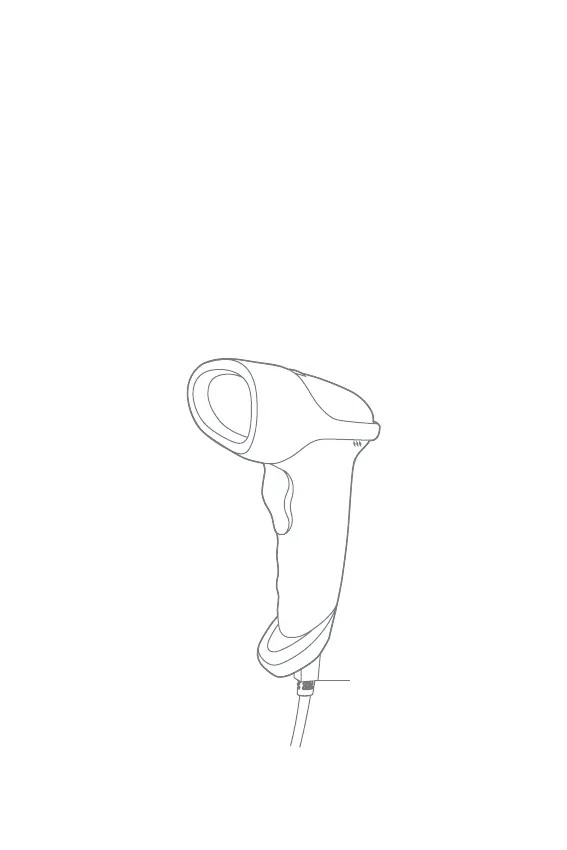
1. Product Overview
English
To improve recognition speed of the scanner, some less-frequently used barcodes are
set as null by default. If you fail to scan a barcode successfully, please download the
full version of manual instruction from our ocial site www.inateck.com or contact us
via support@inateck.com to seek help.
If you have any problem or suggestion with our product, please contact us via
support@inateck.com.
RJ45 interface



 To Next Page