8
11. Support
For any inquiries or comments concerning our products, please send an email to
support@inateck.com, and we will respond to you as soon as possible.
10. FAQs
1) How to output the German umlaut characters such as ü, ä, ö, ß:
a: Set the input method to German on the computer, mobile phone or POS device.
b: Set the input method of the barcode scanner to German.
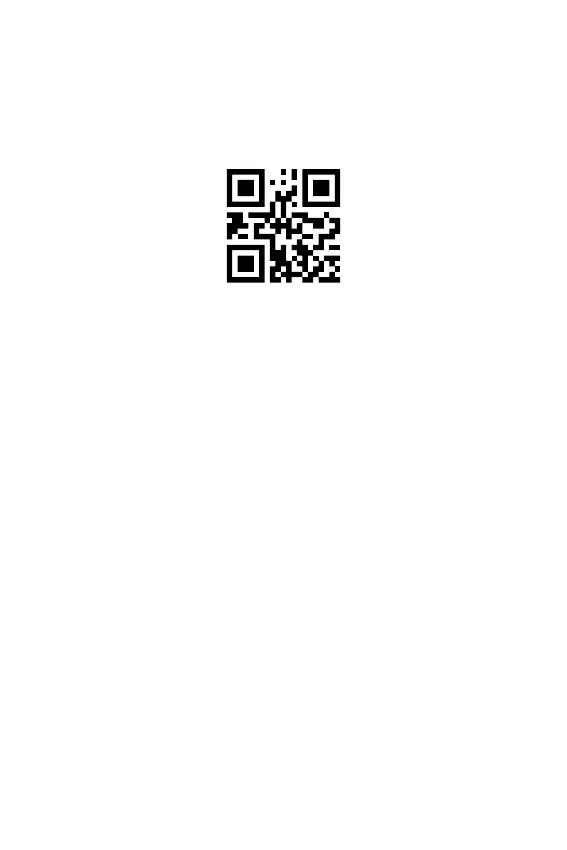
c: Scan the setting code below to set the encode format to UTF-8.
2) If you encounter the outputting issues in pharmaceuticals industry, for instance,
incompatible 2D codes or unable to output GS character, please refer to the
supplementary manual on www.inateck.com or contact our customer support
team at support@inateck.com.
UTF-8



 To Next Page